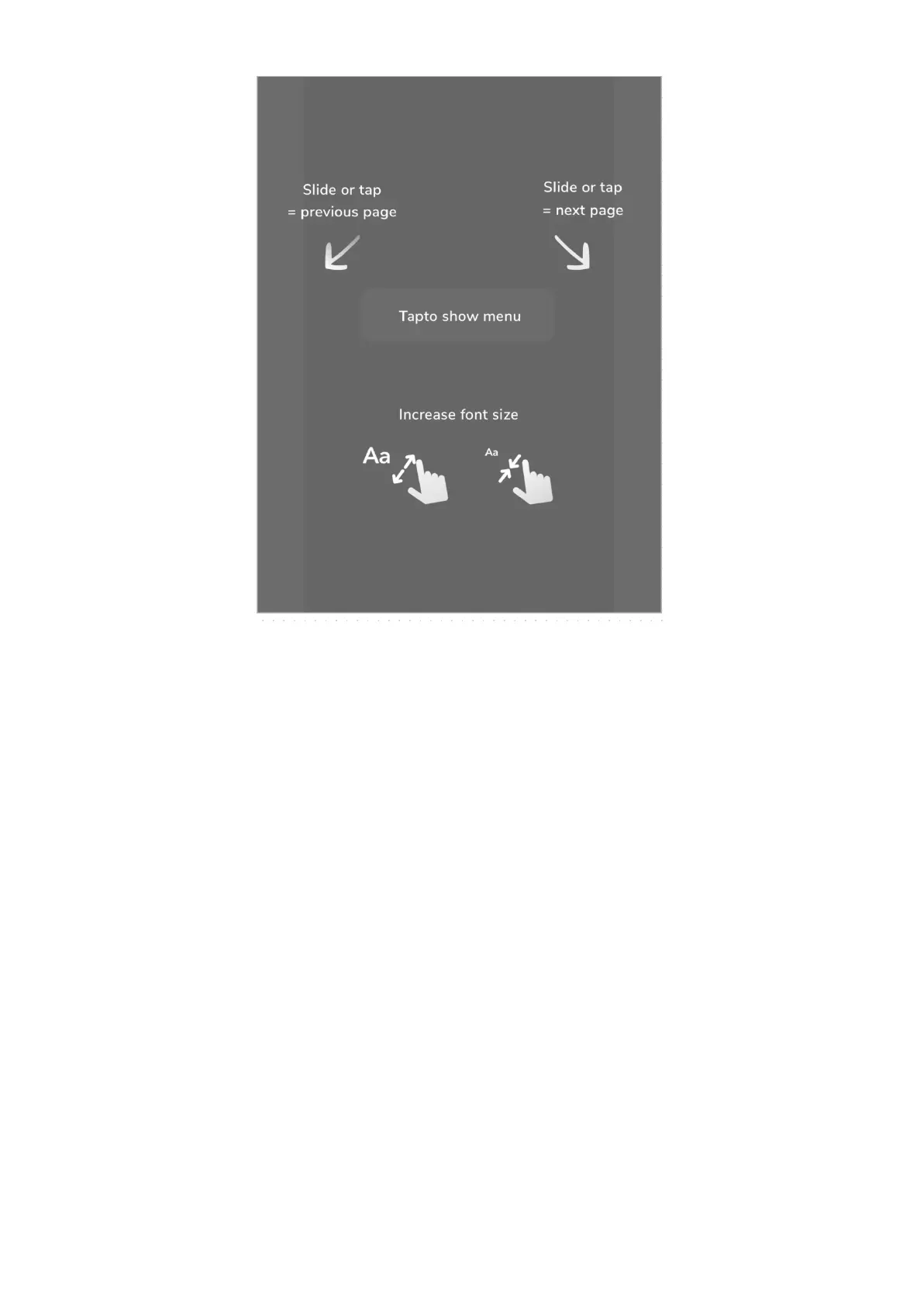
You can magnify or decrease the font size by using 2 fingers on the ebook page.
Tap in the middle of a screen to access reading options.
Ebook font and page settings
As you will spend hours on reading it is very important to set up your inkBOOK reading
preferences. To access those options just tap in the middle of a screen.
Now you can choose from 5 different option folds at the bottom of the screen.
First one allows you to move quickly within open ebook or document by dragging the slide
on the page you need.


 To Next Page