Reading
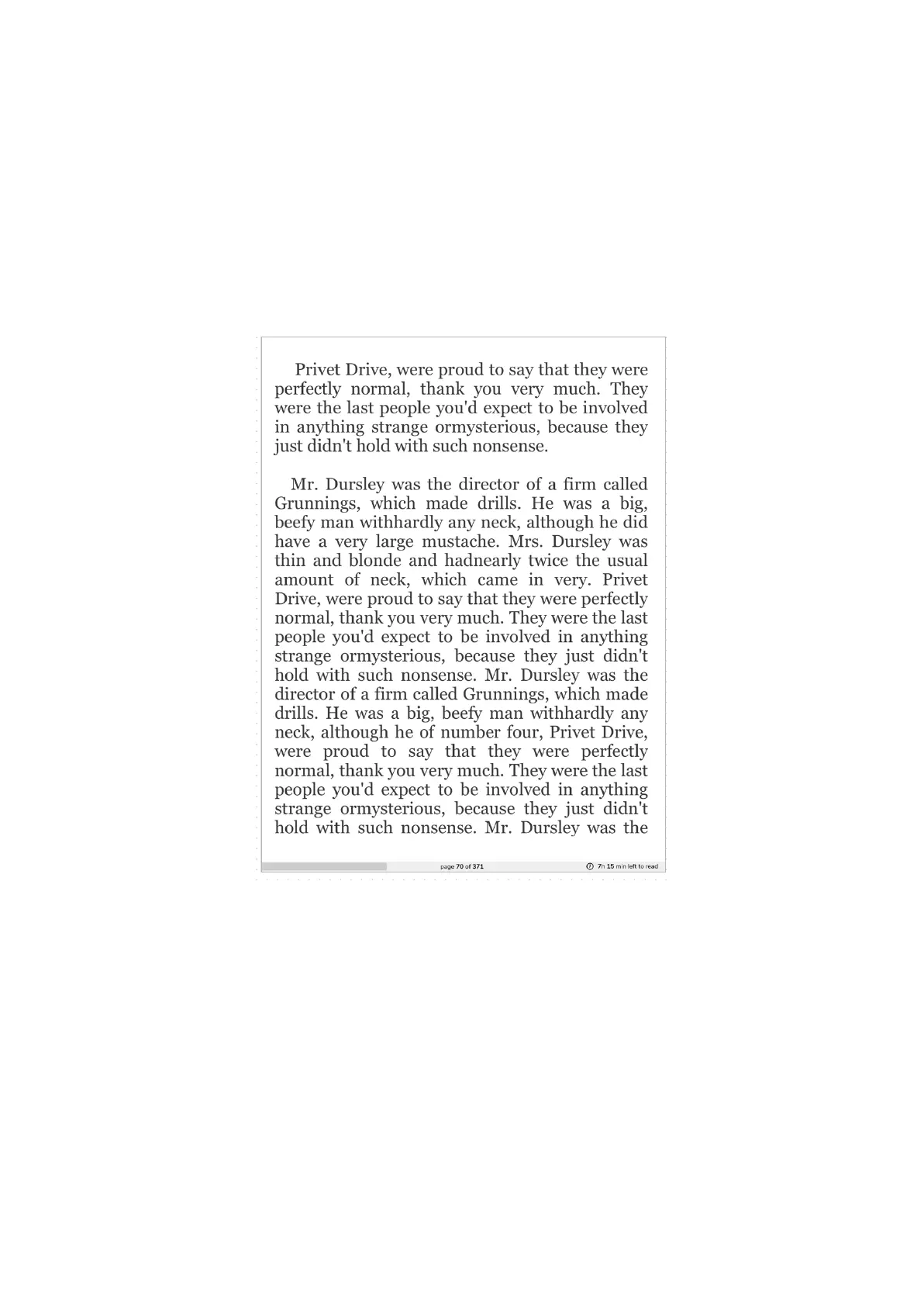
On your inkBOOK you can read ebooks in many formats. To read just click on book cover
icon on home screen or in Library. You can also click on file name in Files menu.
Depending how you have set up your Reading Options (please see chapter Settings) you
will have a full page filled with text or page with some information, like reading progress and
hour.
Now you can enjoy what inkBOOK is made for - a magic world of stories hidden in books.
Navigating in ebooks
Press right or left lower button to turn page forward (you can also tap on the right side of the
screen).
Press right or left upper button to turn page back (you can also tap on the left side of the
screen).


 To Next Page