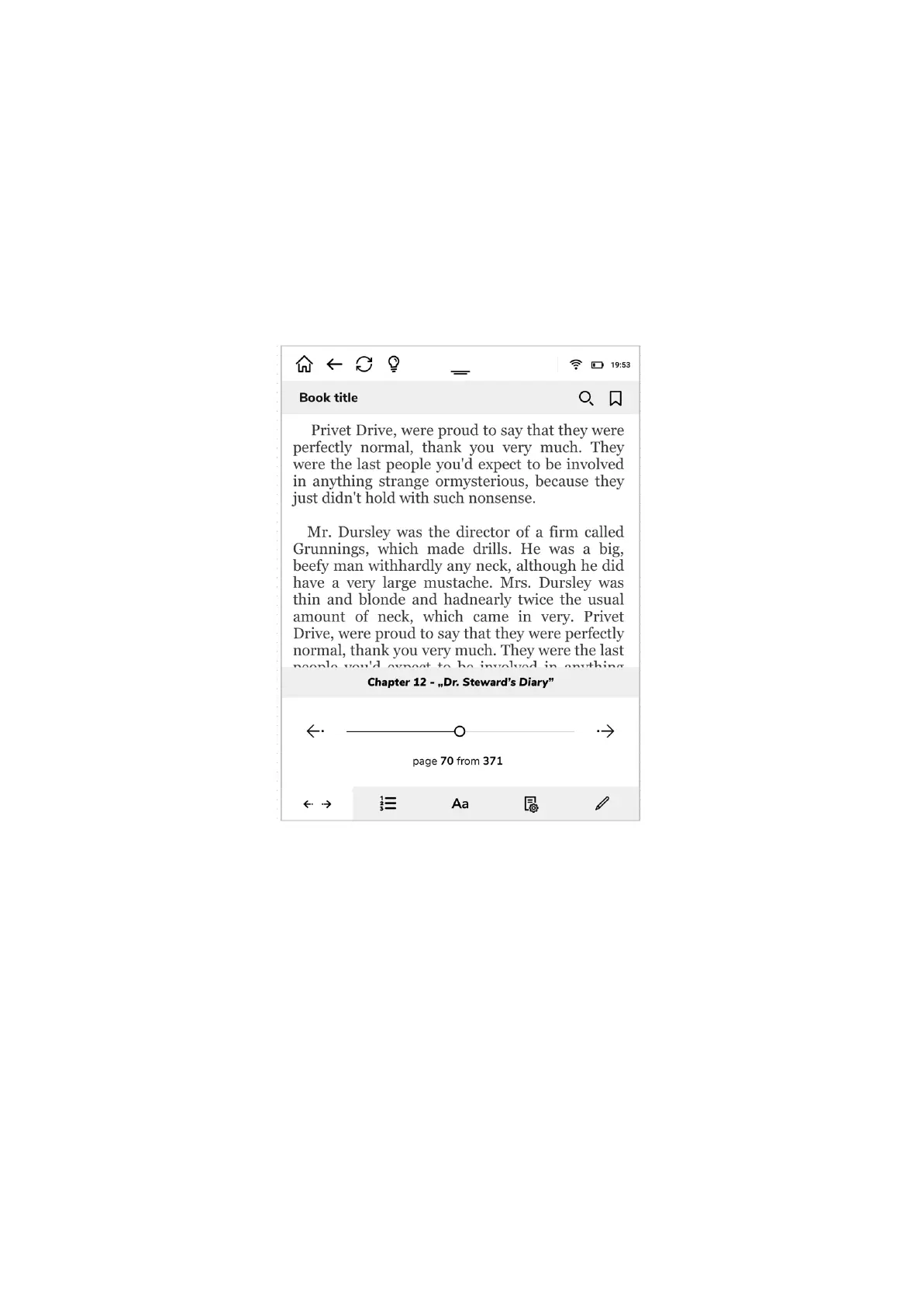
Ebook font and page settings
As you will spend hours on reading it is very important to set up your inkBOOK reading
preferences. To access those options just tap in the middle of a screen.
Now you can choose from 5 different option folds at the bottom of the screen.
First one allows you to move quickly within open ebook or document by dragging the slide
on the page you need.
The second fold takes you directly to e-book table of content and allows you to move quickly
to desired chapter. Of course it will work only if the open e-book has such a thing as table of
content and hyperlinks to chapters - for details please contact your publisher.


 To Next Page