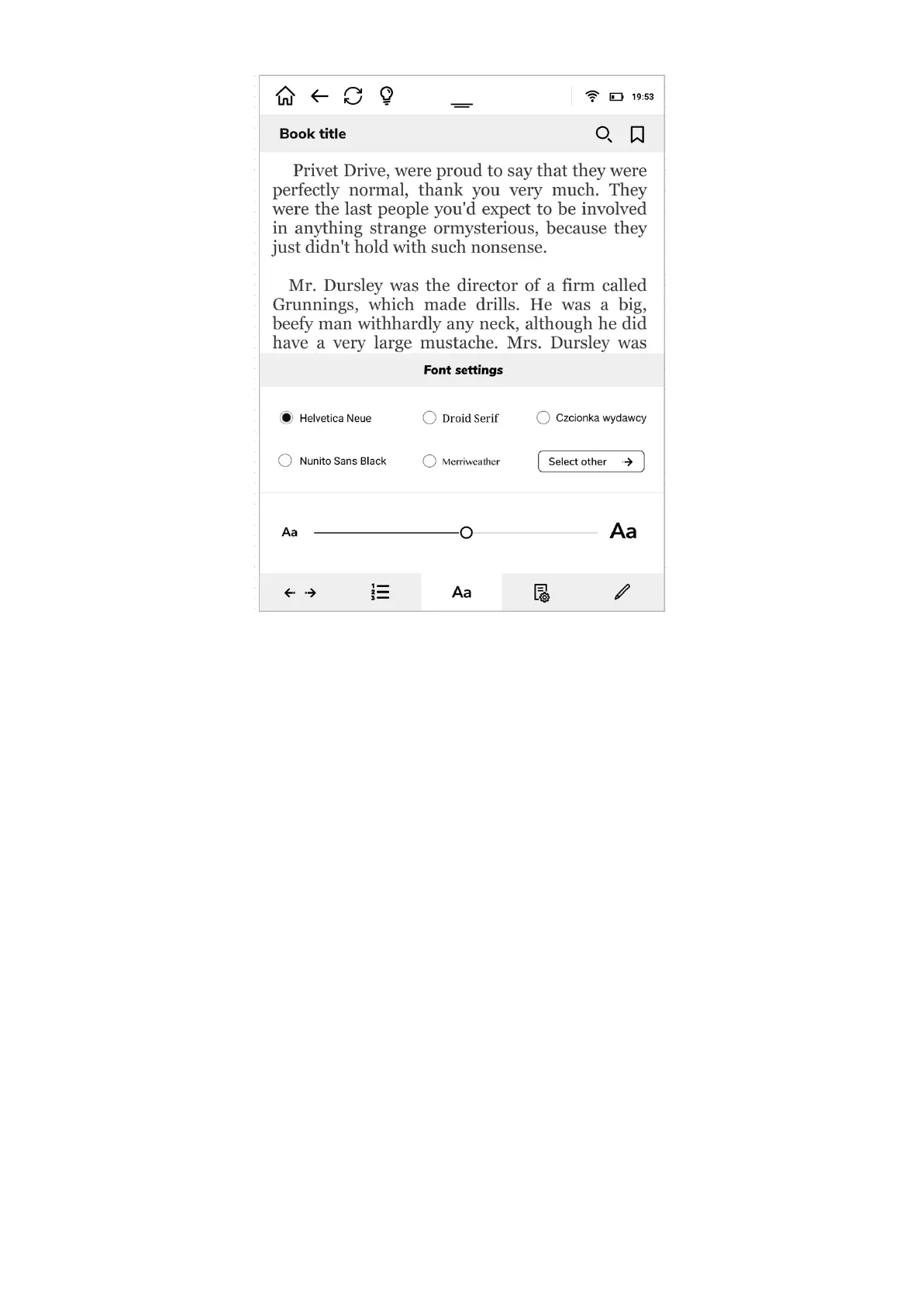
In the lower part of the font settings you will find a slide which you can drag to increase or
decrease the font size.
Next fold is your tool to set the preferred page structure.
In the upper left corner of page settings you have a possibility to choose the preferred
background and font color. You can choose as in printed book - black letters on white pages
or a negative view - white letters on black background.
The upper right corner may be used to change the screen view, from vertical to horizontal.
Under you will find two sliders.
The upper one increases or decreases margin sizes.
The lower one increases or decreases the text leading.



 To Next Page