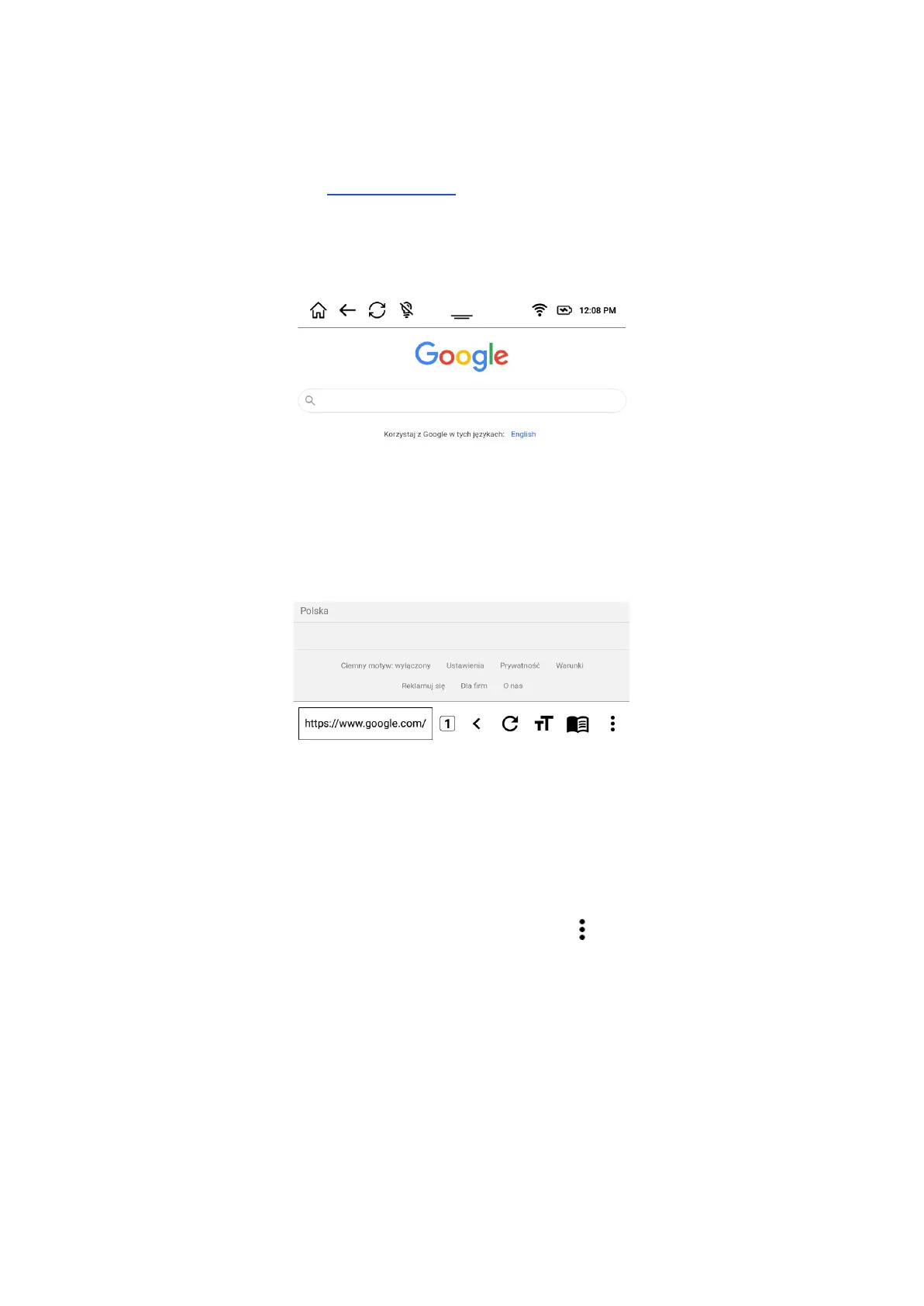
Internet browser
In Apps section you will find the “Internet” app which allows you to browse websites.
It is simple to use and has few features designed especially for E Ink screens.
The default website is set to www.google.com and can be changed anytime by you.
You can enter the website address you want to visit in the field on the bottom left side of the
screen.
Once you are redirected to desired website you can tap the icon and the following menu
will pop up:


 To Next Page