2 INSTALLATION MANUAL ON CISS FOR PRINTER EPSON C110/C120/D120/D130
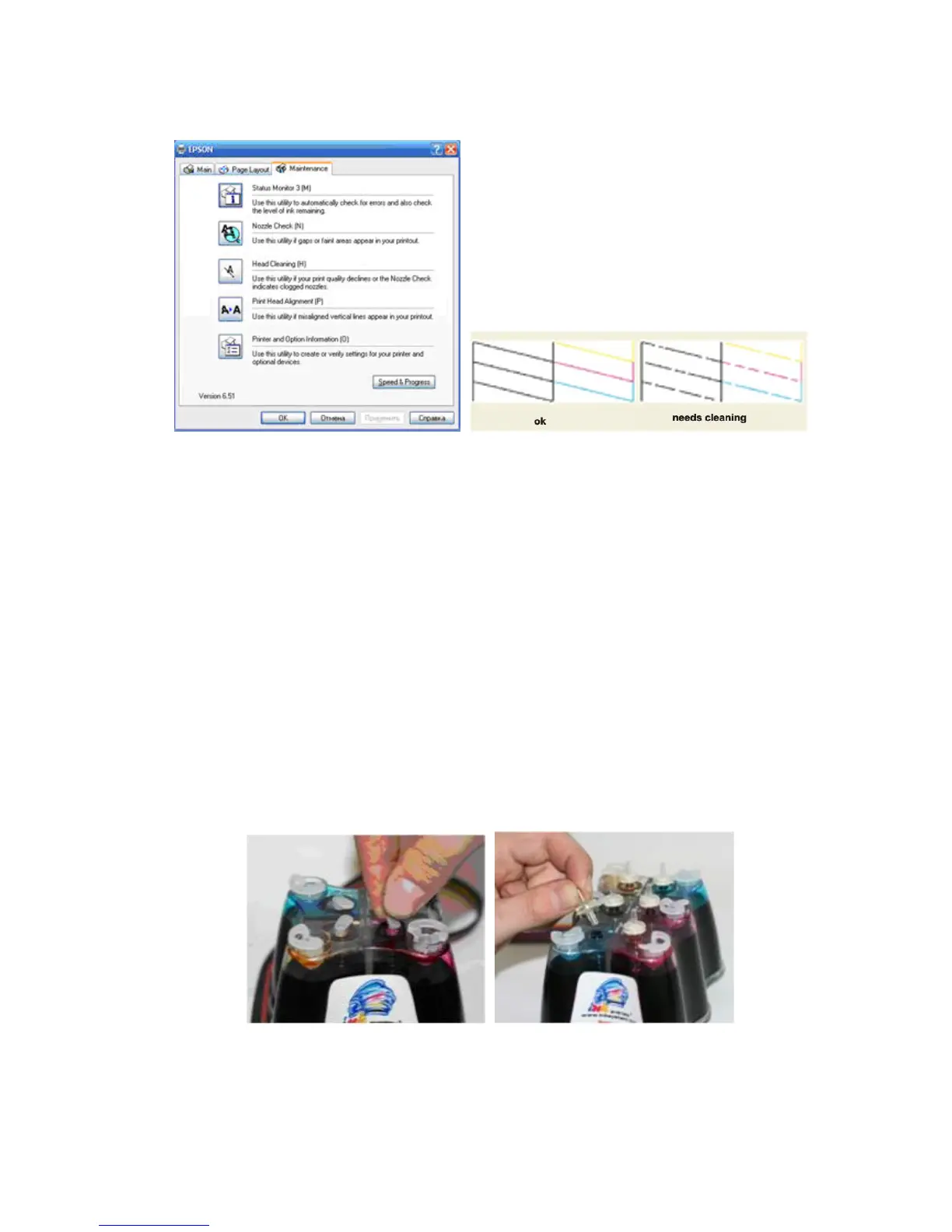
2. Print a test sheet on nozzle check to see if there are gaps in lines on the
printout.
Pic. 2-1 Pic. 2-2, 2-3
3. If printer is alright, please print a picture to see the result.
Ill. Installation Procedures
1. Make the system ready
Place the system on the table, check if there is any ink in each of the air balance
tube. If yes, you need to remove the ink in the balance tubes by the following steps:
1) Pull the sealed plug of the balance tube out (3-1-1).
2) Use the injector to draw all the ink out.
3) Put the sealed plug back.
4) Pull refill plug out.
5) Inject ink to the ink tanks according to their color.
6) Put refill plug back.
7) Check all the plugs to make sure they are completely sealed.
Pic. 3-1-1 Pic.3-1-2
2. Replace the air balance plugs



 To Next Page