MUSIC
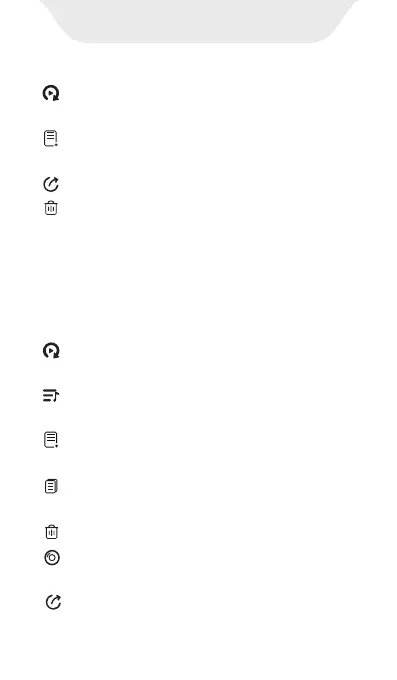
· Enqueue(next track) -- Assign the
currently selected song as the next track.
3) Long press any item under Title or
Folder, you can:
· Add to playlist -- Add the currently
selected song to a specific playlist.
· Send to -- Unavailable
· Delete -- Delete the currently selected
song
Note: To activate the selection mode under Album, Artist,
Genre, Album Artist, long press any item under it.
· Enqueue (next track) -- Assign the
currently selected song as the next track.
· Enqueue (last track) -- Add the current
song to the playback sequence.
· Add to playlist -- Add the current song
to the playlist.
· Properties -- View the details of the
current song
· Delete track -- Delete the current song
· Send to -- Unavailable
· Show album info -- View the info of
the album where the song is located.



 To Next Page