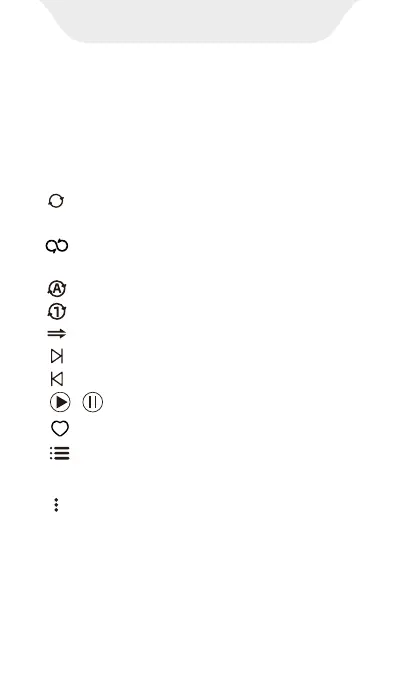
· -- Switch between the linear progress
bar and the circular progress bar
· --Shue all. Click it to switch to List
loop, Loop single, Sequential play.
· --List loop
· --Loop single
· --Sequential play
· --Click to switch to the next song
· --Click to switch to the previous song
· --Add the current song to favorites.
· / --Play/Pause
· --View the play queue of the current
song.
· --Enable shortcut menu: Add to playlist,
Equalizer, Show album info, Properties,
Obtain lyrics and cover art online
playing window. Here, you can view the
album cover, lyrics, details (Sample rate,
Bits, Bitrate, etc.), and control the playback
process. The following are some common-
ly used keystrokes.
APP introduction
3.FAQ
1) How to create a playlist ?



 To Next Page