APP introduction
More settings for the application can be
found here, including themes, language,
audio, subtitles, and more.
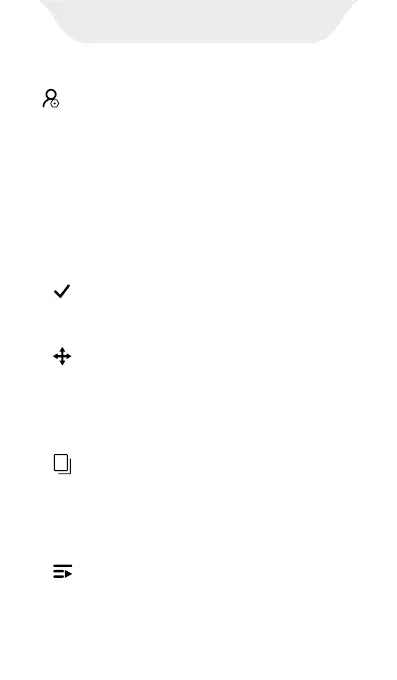
In the file management window, long-press
any folder or file to activate the selection
function and quick menu, then you can do:
1)Select single/multiple folders or files:
Click on each target folder or file individually.
2) Select/Uncheck All:Click this button to
select all folders/files, click again to deselect
all.
3) Move to:After selecting one or more
folders/files, click this button, then choose
the storage disk and target folder, then click
"MOVE HERE" to move the selected folders/-
files to the target folder.
4) Copy to:After selecting one or more
folders/files, click this button, then choose
the storage disk and target folder, then click
"COPY HERE" to copy the selected folders/-
files to the target folder.
5) Add to Playlist:After selecting one or
more folders/files, click this button to add it
to an existing or newly created playlist.


 To Next Page
 Loading...

