APP introduction
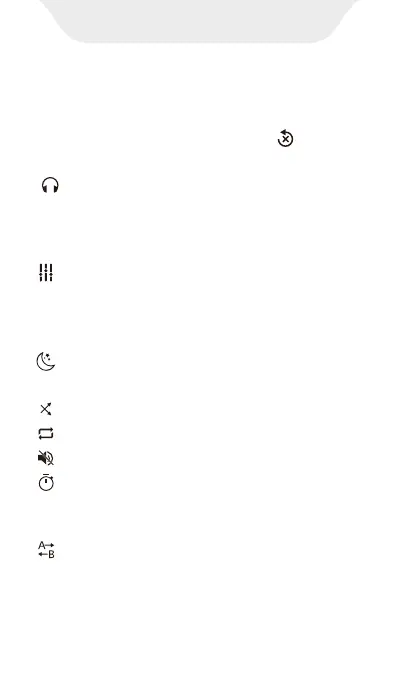
Speed-- Click it, and drag the speed-bar
or click “+ / -” to change the playback speed
(Min 0.25X, Max 4.0X). And click to restore
default speed.
1X
Background play-- Enable/disable
background playback, once enabled, you
can access other apps without exiting video
playback
Equalizer-- Enable/disable EQ, you can
choose Normal, Classical, Dance, Flat, Folk,
Heavy metal, Hip Hop, Jazz, Pop Rock,
Custom, etc.
Night Mode-- Switch to Night mode, click
again to return to Day mode.
Shue -- Switch to shue mode.
Loop -- Switch to loop mode.
Mute -- Turn o video sound.
Sleep Timer -- Set the sleep time, and the
video will automatically stop playing when
the set time is reached.
A-B Repeat -- Click and drag the progress
bar to define the time point of A and B, and
then the player will automatically repeat the
segment between A to B.



 To Next Page