APP introduction
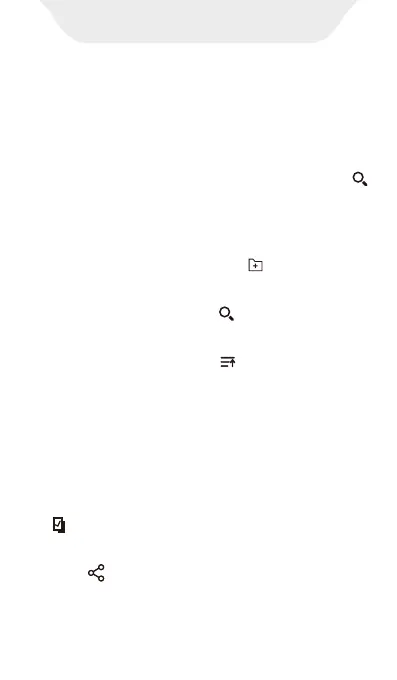
In page of file manager, files have been
classified by format, including Music, Videos,
Picture, Apks, Document, Zips, Recent,
Favorites, All. If a quick check needs, click
to Search files.
Click device storage for files listing view
1. New folder: Click the icon for create a
new folder at listing.
Selection and Editing of Files/Folders
1. Multiples folders/files selection: long
press the file or folder
2. Search: Click the icon for file searching
by enter part of the file name.
3. Sort by: Click the icon Arrange files by
Name/Size/Date/Type.
File Manager
1) Selection all / Deselect all: Click the icon
right top of the page.
2) Share -- After selecting the file, Click the
icon at the bottom of the page share to
other devices by Bluetooth or Send
Anywhere.



 To Next Page