Music
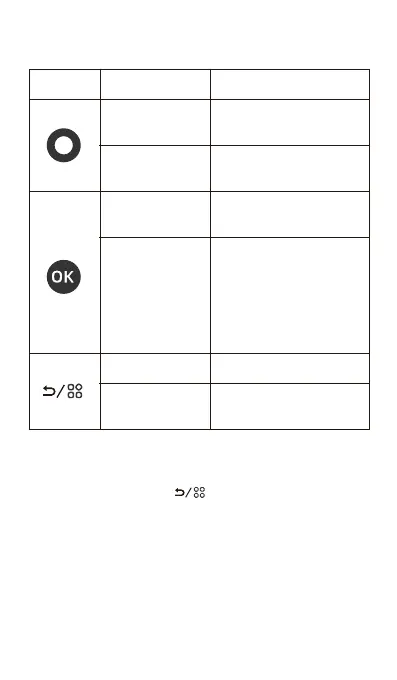
Long press for 3
seconds to power
on / o
Long press for 5
seconds to screen
o
Long press
Scroll up or left
options
Swipe
Anticlockwise
Scroll down or
right options
Swipe
clockwise
Confirm selected
track or option
Short press
Activate shortcut
menu
Long press
Back to Prev-level
Short press
Key Action Result
About shortcut menu
Long press the key in all folders under
Music to pop up a shortcut menu for file
management:
· Sort by Songname: Select the song sorting
method as "Sort by Songname".
· Sort by Filename: Select the song sorting
method as "Sort by Filename".


 To Next Page
 Loading...
