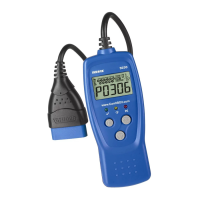
You Can Do It!
EASY TO USE - EASY TO VIEW - EASY TO DEFINE
3030e 1
Easy To Use . . . .
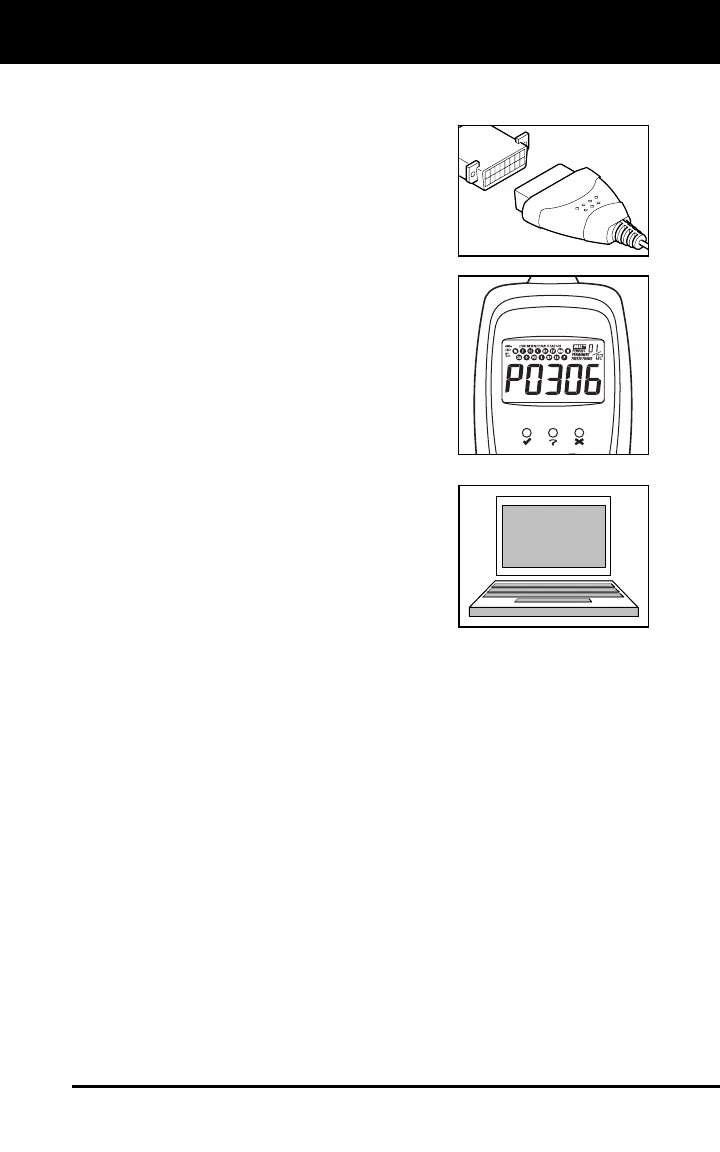
Connect the Car Reader to the vehicle’s
test connector.
Turn the ignition key "On.” DO NOT start
the engine.
The Car Reader will automatically link to
the vehicle’s computer.
Easy To View . . . .
The Car Reader retrieves stored codes
and displays I/M Readiness status.
Codes are displayed on the Car Reader’s
LCD display screen; System Status is
displayed by LED indicators.
Easy To Define . . . .
Use the included software or visit the
manufacturer's website for Fault Code
Definitions.


 To Next Page
 Loading...