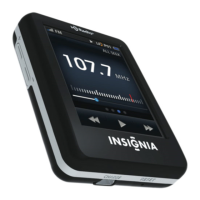
Récepteur HD RadioMC portatif à écran
7
www.insigniaproducts.com
Dessous
N° Élément Description
1 CHARGE Connecter le câble USB inclus à un port USB de
l’ordinateur pour charger la batterie intégrée
ou pour alimenter la radio. Pour plus
d’informations, voir « Charge de la batterie » à
la page 20.
2 RÉINITIALIS
ATION
Si la radio ne répond plus quand les boutons
sont appuyés, utiliser ce bouton pour
réinitialiser la radio.
CHARGE
RESET
NS-HD02_10-1127_MAN_V2 FR.fm Page 7 Thursday, October 14, 2010 5:18 PM

 To Next Page
 Loading...


