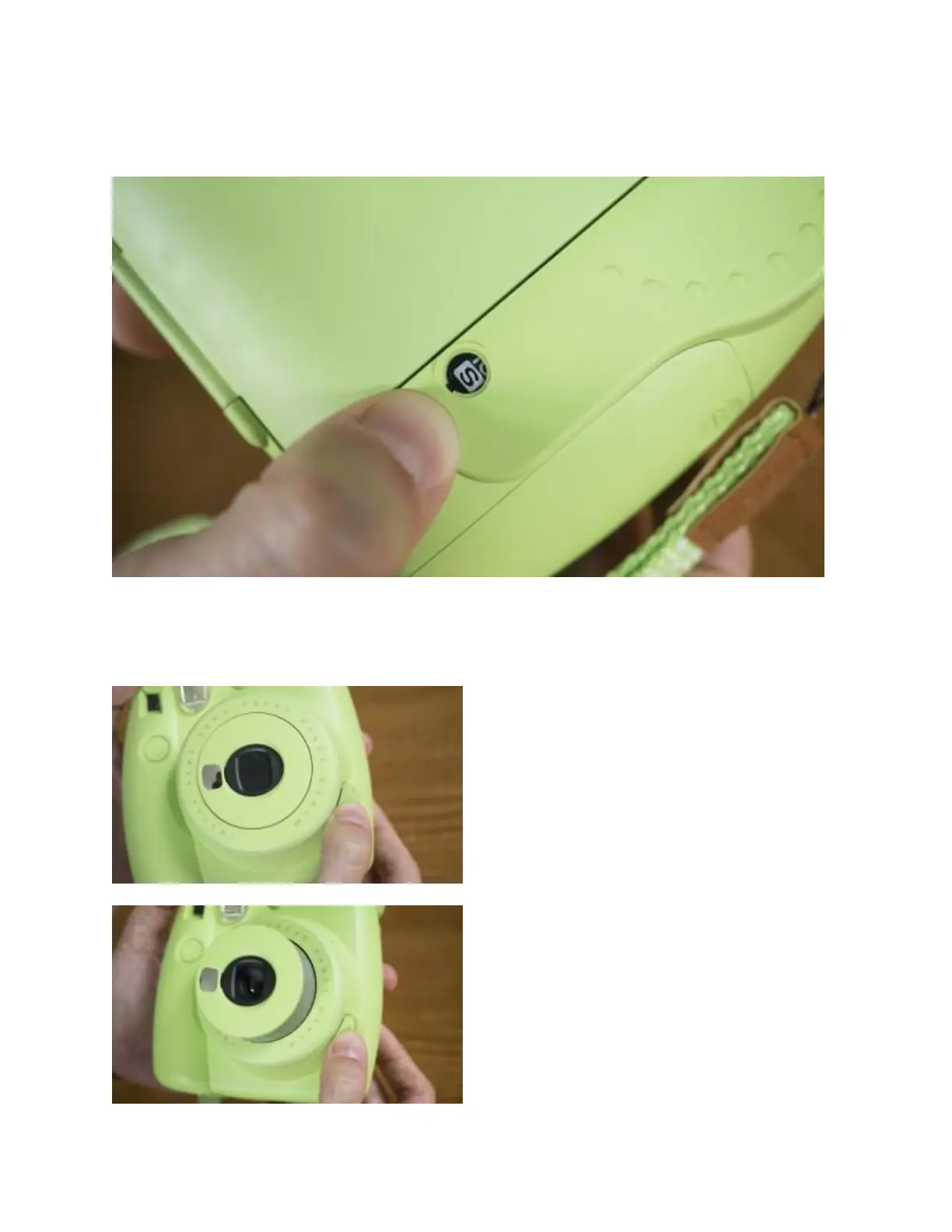
On the rear, you’ll notice that the film counter display (the number of shots remaining) is set to
S. This is because you still have to eject the black film cover.
To do this, simply turn on the camera by pressing the large button located directly beside the lens
and press the shutter button. The camera will continue to make a noise until the film cover has
been completely ejected.
Press the button beside the lens…


 To Next Page