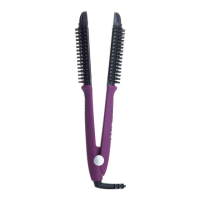
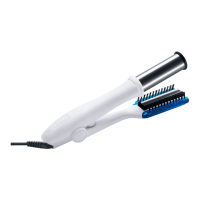
Features
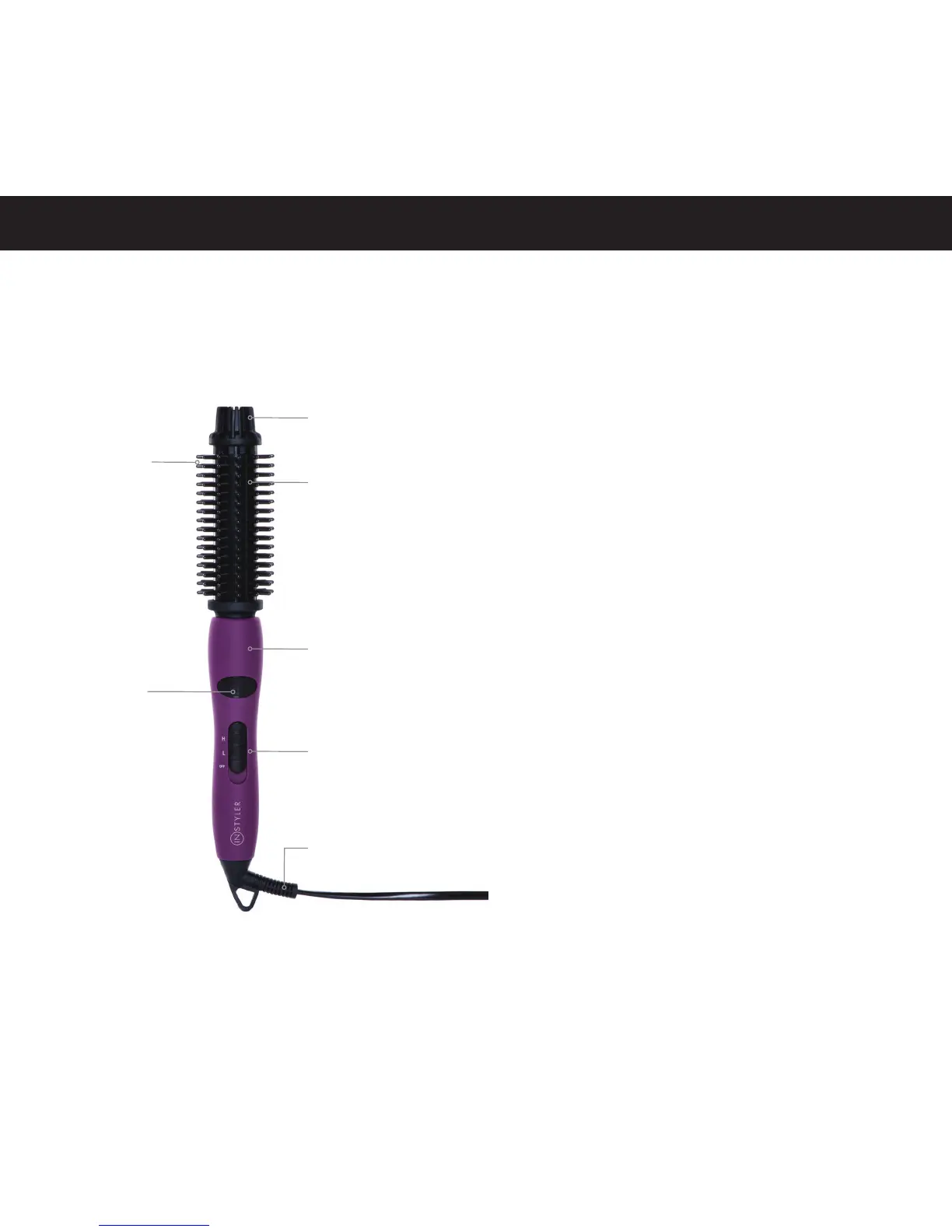
Cool Touch
Ionic Bristles
Remember you can
apply your hand to
hold hair over the
bristles to make
styling easier.
Indicator
Light
Cool Tip
Dual Ionic
Heaters
Non-Slip
Soft Touch Grip
ON/OFF Switch
with 2 Heat Settings
215°F, 350°F
Pro Swivel
Cord
Basic Directions
1. Plug in the InStyler® IONIC STYLER
2. See “ON/OFF SWITCH WITH 2 HEAT SETTINGS”
section below.
Note: It will take approximately 1 minute for the
InStyler® IONIC STYLER to be ready to use after
turning it on.
3. Use on dry hair only.
4. Brush the hair through entirely with the tool to
provide smoother passes and to avoid tangles and
to achieve a smoother, shinier, and softer style.
ON/OFF Switch with 2 Heat Settings
Turn the switch on, and select the temperature setting
for your preference.
• Low: For thin or damaged hair; or hair that is
highly treated or colored.
• High: For normal to thick hair; or hair that is
naturally very wavy or curly.
• OFF: Turns o
Note: The red indicator light blinks until set
temperature is reached. Start using once the
indicator light stays on.
For safety, turn the ON/OFF switch o and unplug
after use.
The red indicator light indicates the InStyler® IONIC
STYLER is turned on for either Low or High. The
blinking indicator light indicates the temperature has
not reached the set temperature.


 To Next Page