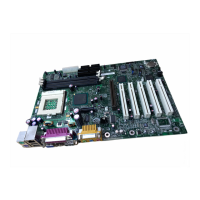
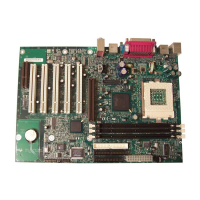
*OUFM%FTLUPQ#PBSET%)7BOE%8/
2VJDL3FGFSFODF
*OTUBMMJOHUIF1SPDFTTPS
1. Observe the precautions in “Before You Begin” on page 3.
2. Lift the processor socket lever.
3. Install the processor so that the corner with the triangle marking (A) is
aligned with the corner where the lever is attached to the socket.
4. Lower the lever back to its original position.
OM12078
m
P
G
A
4
7
8
B
m
P
G
A
4
7
8
B
m
P
G
A
4
7
8
B
A
*OTUBMMJOHUIF1SPDFTTPS'BO)FBUTJOL
For instructions on how to install the processor fan heatsink, refer to the boxed
processor manual or the Intel World Wide Web site at:
http://support.intel.com/support/motherboards/desktop


 To Next Page
 Loading...