*OUFM%FTLUPQ#PBSET%)7BOE%8/
2VJDL3FGFSFODF
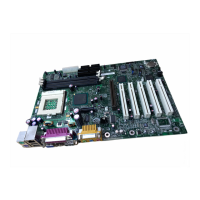
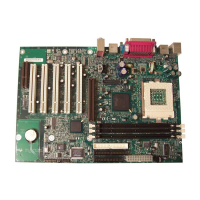
To install DIMMs, follow these steps:
1. Observe the precautions in “Before You Begin” on page 3.
2. Turn off all peripheral devices connected to the computer. Turn off and
unplug the computer.
3. Remove the computer cover and locate the DIMM sockets.
4. Remove the AGP video card (if it interferes with the DIMM clips from
being easily opened and closed).
5. Holding the DIMM by the edges, remove it from its antistatic package.
6. Make sure the clips at either end of the socket are pushed away from the
socket as shown above.
7. Position the DIMM above the socket. Align the two small notches in the
bottom edge of the DIMM with the keys in the socket.
8. Insert the bottom edge of the DIMM into the socket.
9. When the DIMM is inserted, push down on the top edge of the DIMM until
the retaining clips snap into place. Make sure the clips are firmly in place.
10. Reinstall the AGP card if you removed it before installing the DIMMs.
11. Replace the computer cover.


 To Next Page
 Loading...