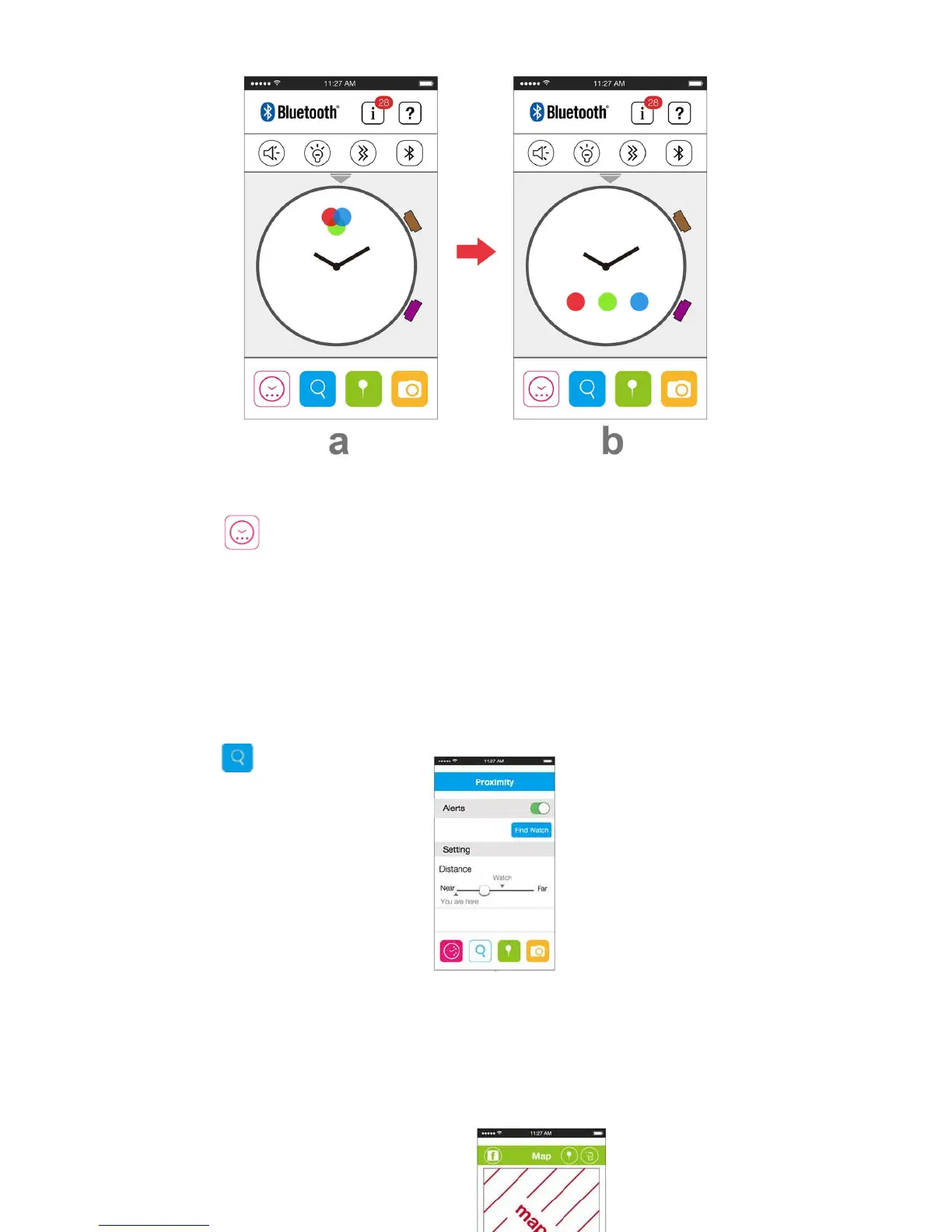
The operations after successfully paired:
* Icon " " = Default display.
- Tap the BLUE Dot, will enter to "POST" settings, notifications from FACEBOOK, TWITTER,
etc (enable/disable the "Beep alert" or "Vibration", etc).
- Tap the RED Dot, will enter to "CALL" settings, notifications from Incoming Call or Missed
Call (enable/disable the "Beep alert" or "Vibration", etc).
- Tap the GREEN Dot, will enter to "MSG" settings, notifications from Email, Calendar (Alarm)
or Low Battery (enable/disable the "Beep alert" or "Vibration", etc).
* Icon " " = Proximity display.
- Setup the Proximity between Smart Watch and your mobile phone or table, from “ Far” to
“Near”, Alert by “Beep” or “Vibration”.
- Find Watch : Tap "Find Watch" on the Proximity Page, the watch will be alerted by "Beep" or
“Vibration”
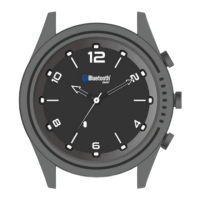
- Find Mobile or Tablet, Press the “4 o’clock button” for 3 seconds to search for your device, your
mobile or Tablet will “Beep” and screen of your mobile or tablet will pop up "You find me".


 To Next Page