12.2. Context Menu not for MAC
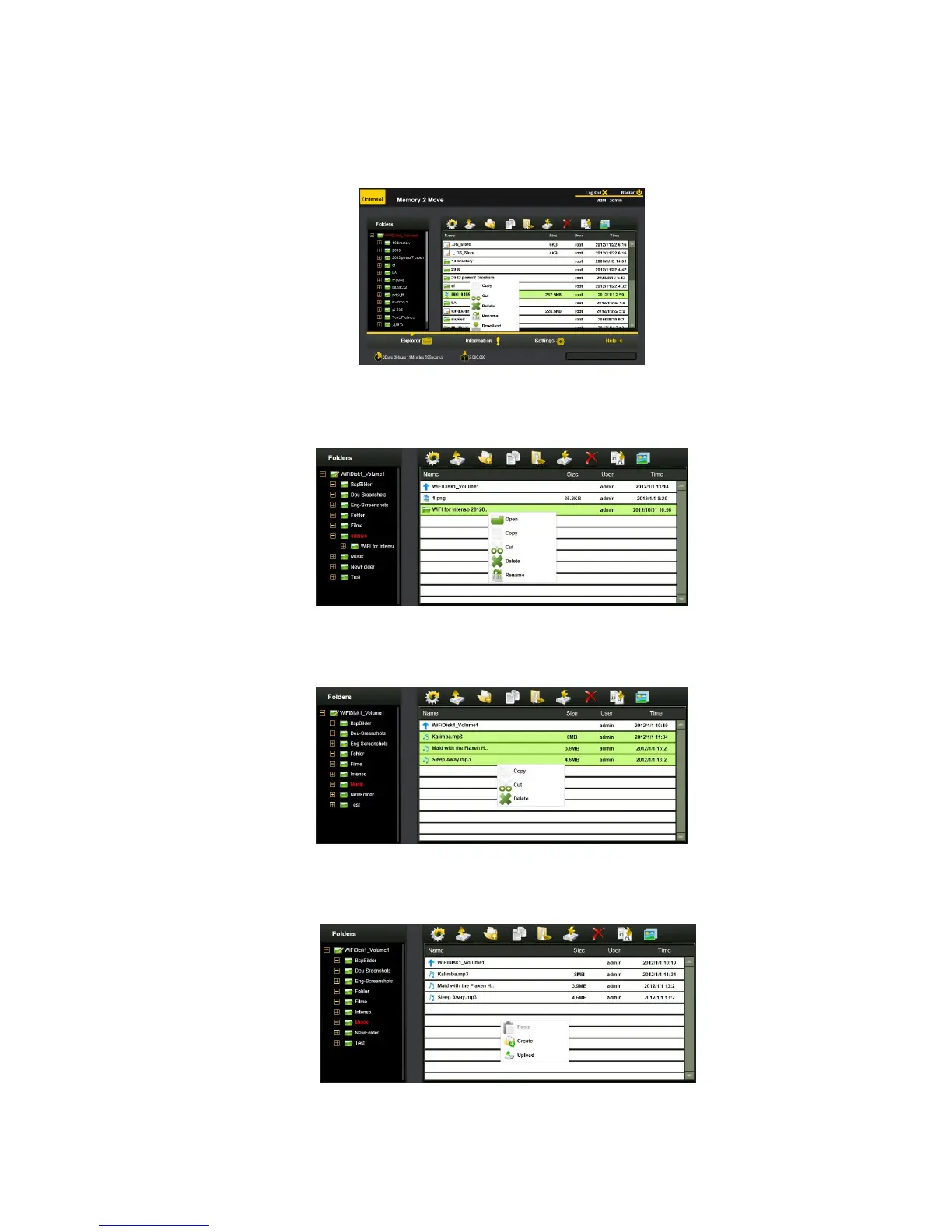
1. On the file level, you can right-click using your mouse and a pop-menu will appear. You may Copy,
Cut, Delete, Rename or Download as seen on the screenshot below.
2. On the folder level, you can right-click using your mouse and a pop-up menu will appear.
You may Open, Copy, Cut, Delete or Rename the folder as seen on the screenshot below.
3. Selecting multiple files and right-click on the mouse will allow the user to either Copy, Cut or Delete
files as seen on the screenshot below.
4. Right-clicking at the bottom of the window as seen below will allow the user to either Paste, Create
or Upload file or files.



 To Next Page