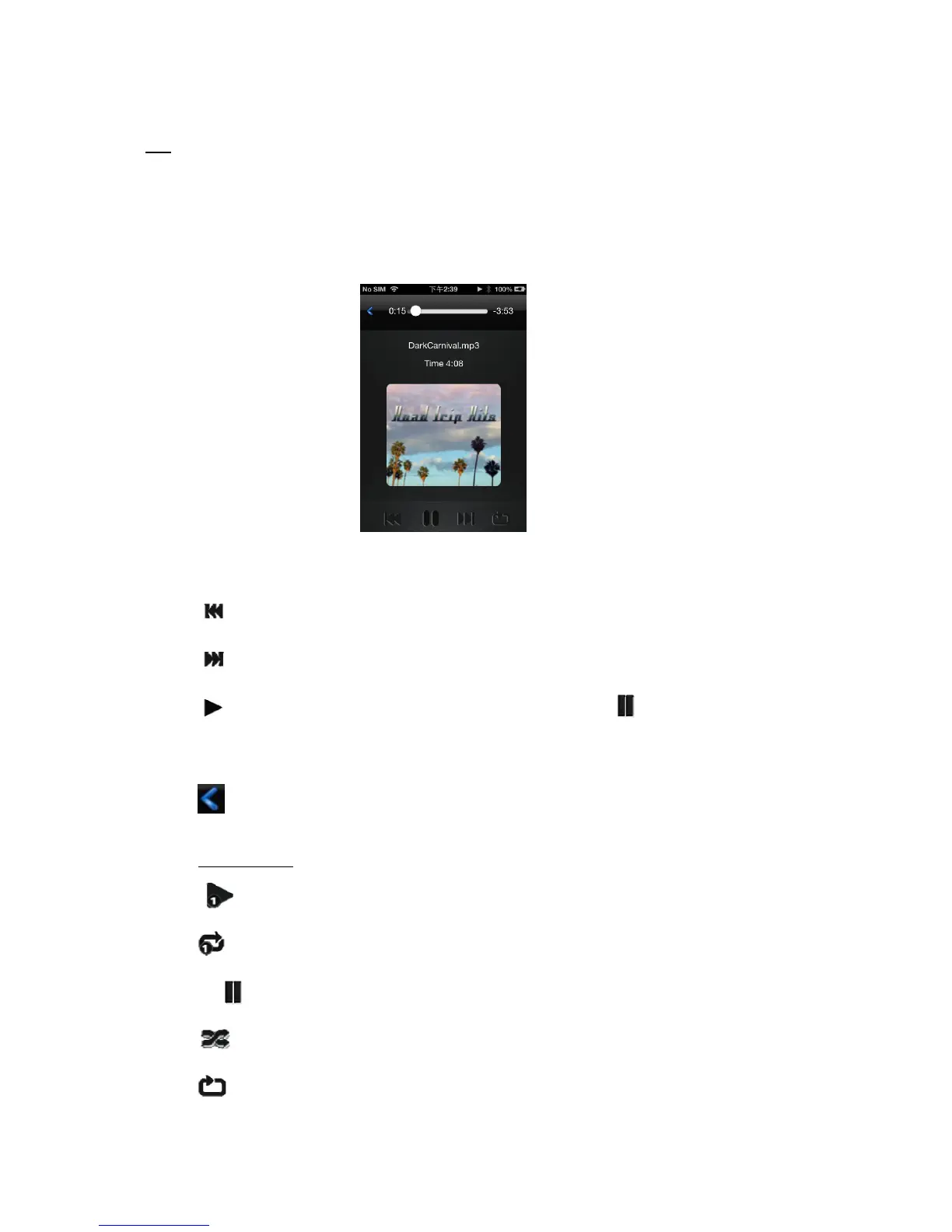
11.4 Playing Music/Audio (iOS and Android)
Tip: It is highly recommended to create a folder or folders where to copy all your media files into the
“Memory 2 Move” for ease of use and file organization. The Music or Audio files can be played regardless if
you are inside the “Memory 2 Move” or “My Device. Simply locate the music or audio file that you would like
to play. Click on the file and your music will automatically play.
Note: Please consult your device manual to check whether it will support the music/audio files that
you would like to play.
- When clicked it will play the previous music
- When clicked, it will play the next song.
- When clicked, it will start playing the music or audio file. Click again, the will pause/stop playing the
music.
-When clicked, it will exit the music player interface. (for android device and iPhone)
Five play modes:
a. - Play current song: the music ends after playing current song
b. - Repeat current song: the player will always play the current song, and it will only stop playing when
the button is clicked.
c. - Shuffle all songs: the music or the audio files will be played randomly.
d. - Play current folder: the music or the audio files will be played and not repeated.



 To Next Page