Item No. 8105082 – 12/2013 Page 6 of 6
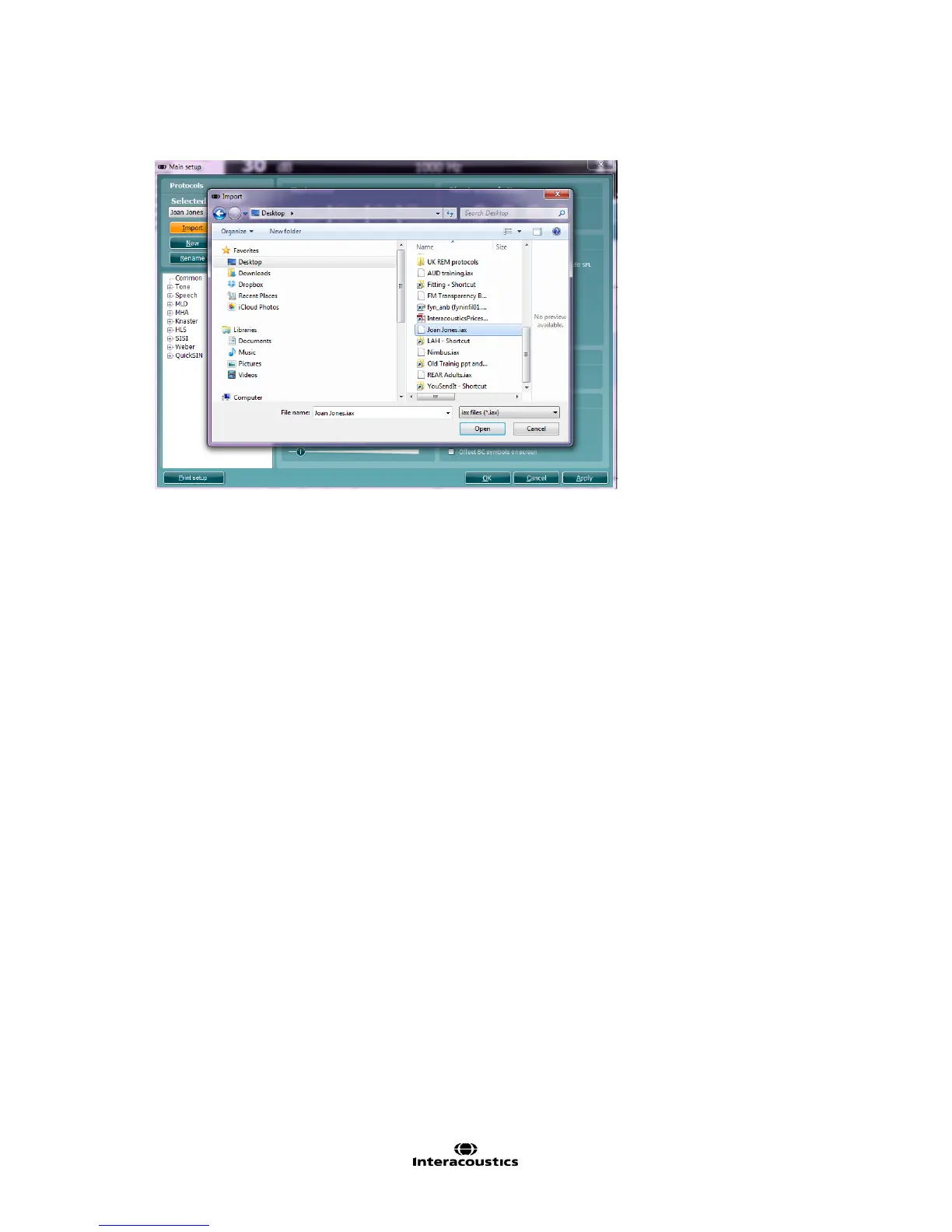
Importing a Test Protocol:
1. Go to the AC440 Setup (Menu | Setup | AC440 setup).
2. Click Import and browse to the location on the PC or USB where the test protocol file has been saved.
3. Click Open.
4. The test protocol will then appear under Name.
5. After saving it by clicking OK the test protocol can be selected in the List of defined protocols in the front
screen.
NOTE: If the protocols were exported as “Read Only”, imported protocols will not be able to be imported edited.



 To Next Page