Item No. 8105084 12/2013 Page 1 of 14
Quick Guide – Customised Printout Setup
Introduction
This Quick Guide is intended to give a brief introduction on how to create and configure custom print layouts in
the Affinity
2
and Callisto™ software suites.
The Affinity
2
and Callisto™ software suites have the ability to allow custom print layouts to be created and used
alongside the VIOT Suite and Titan™ Suite. This enables data from various tests to be combined into one
convenient printout.
Creating a Custom Print Template
Opening the Print Wizard:
1. Open the Affinity
2
or Callisto™ Suite from your patient management system, Noah, OtoAccess™, or stand-
alone.
2. You can access the setup for protocols from any of the AUD, REM or HIT (Affinity
2
only) tabs.
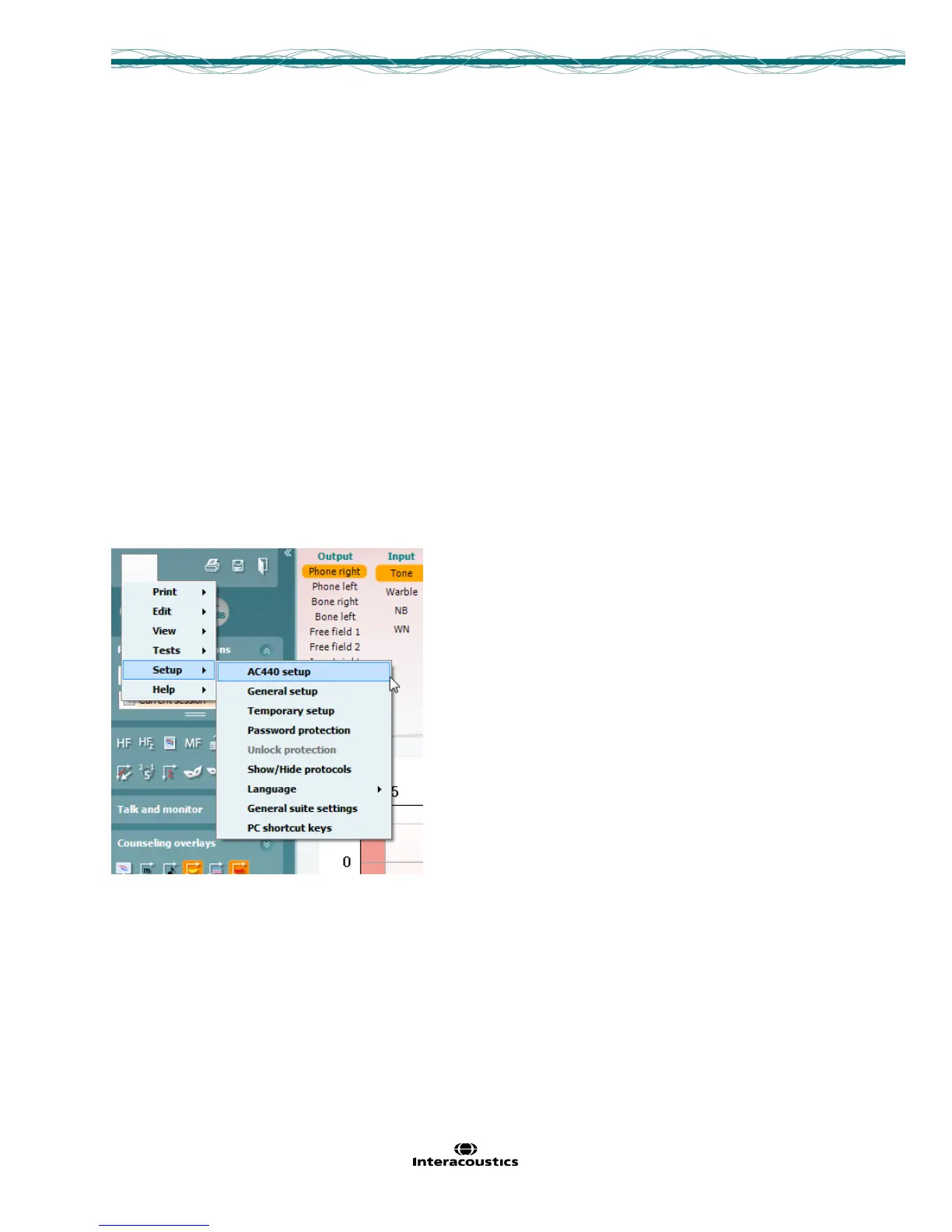
3. Press, Menu, Setup and then AC440 Setup (or REM440/HIT440 depending on which module you are in).
Performing this action will open a new window.



 To Next Page