Item No. 8105088 – 12/2013 Page 4 of 7
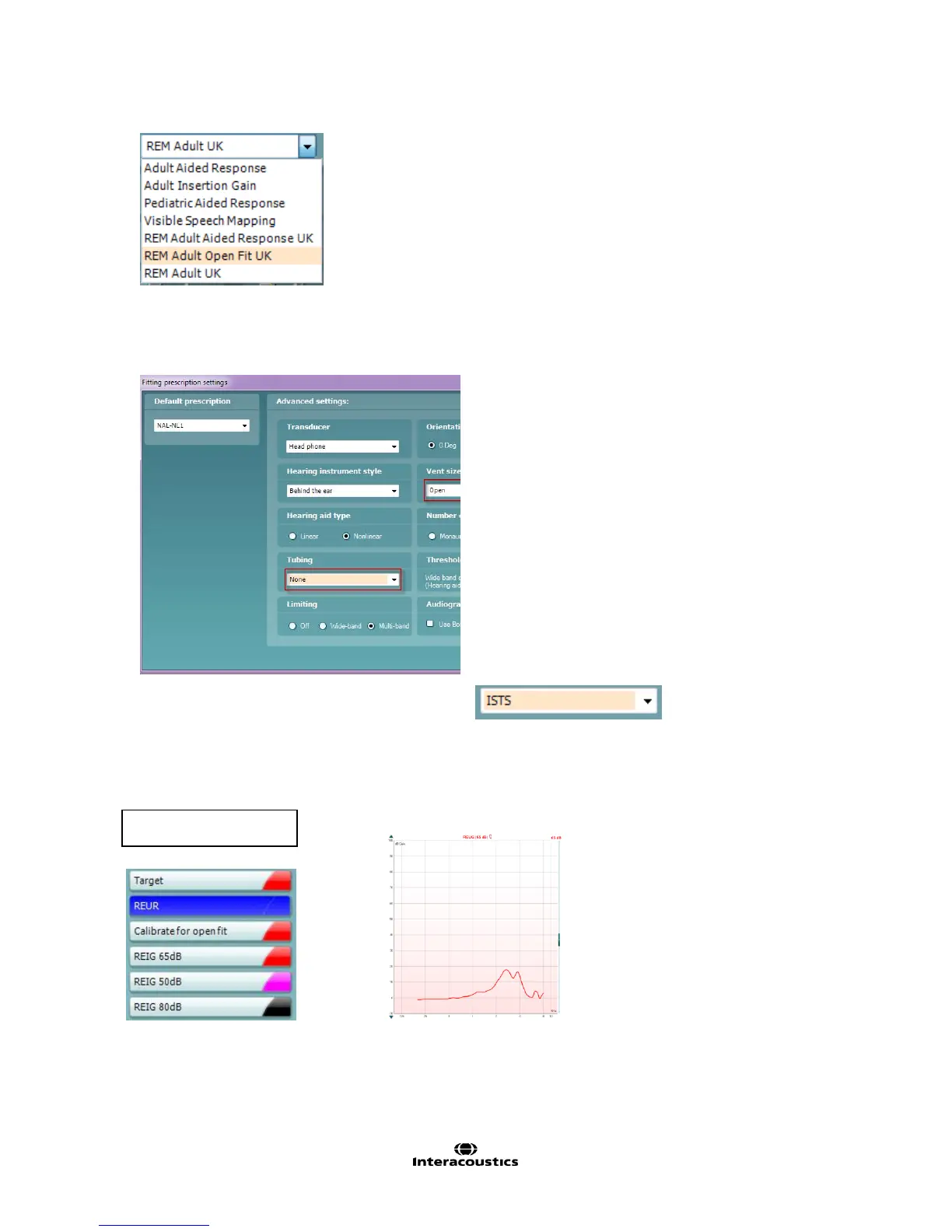
Verification of Open Fittings (REM Adult Open Fit UK)
1. Choose the REM Adult Open Fit UK protocol:
2. Choose the appropriate options within the Fitting Prescription Settings window, which will appear
automatically when a REM protocol is chosen.
3. Select the desired verification signal.
4. Insert the probe tube in the patient’s ear without the hearing aid.
5. Click on REUR, and click on START to measure the Real-Ear Unaided Response
(NOTE: The REUR is a required measurement as it is used for the calculation of the REIG).



 To Next Page