Item No. 8105091 – 12/2013 Page 4 of 6
Using age appropriate predicted RECD values
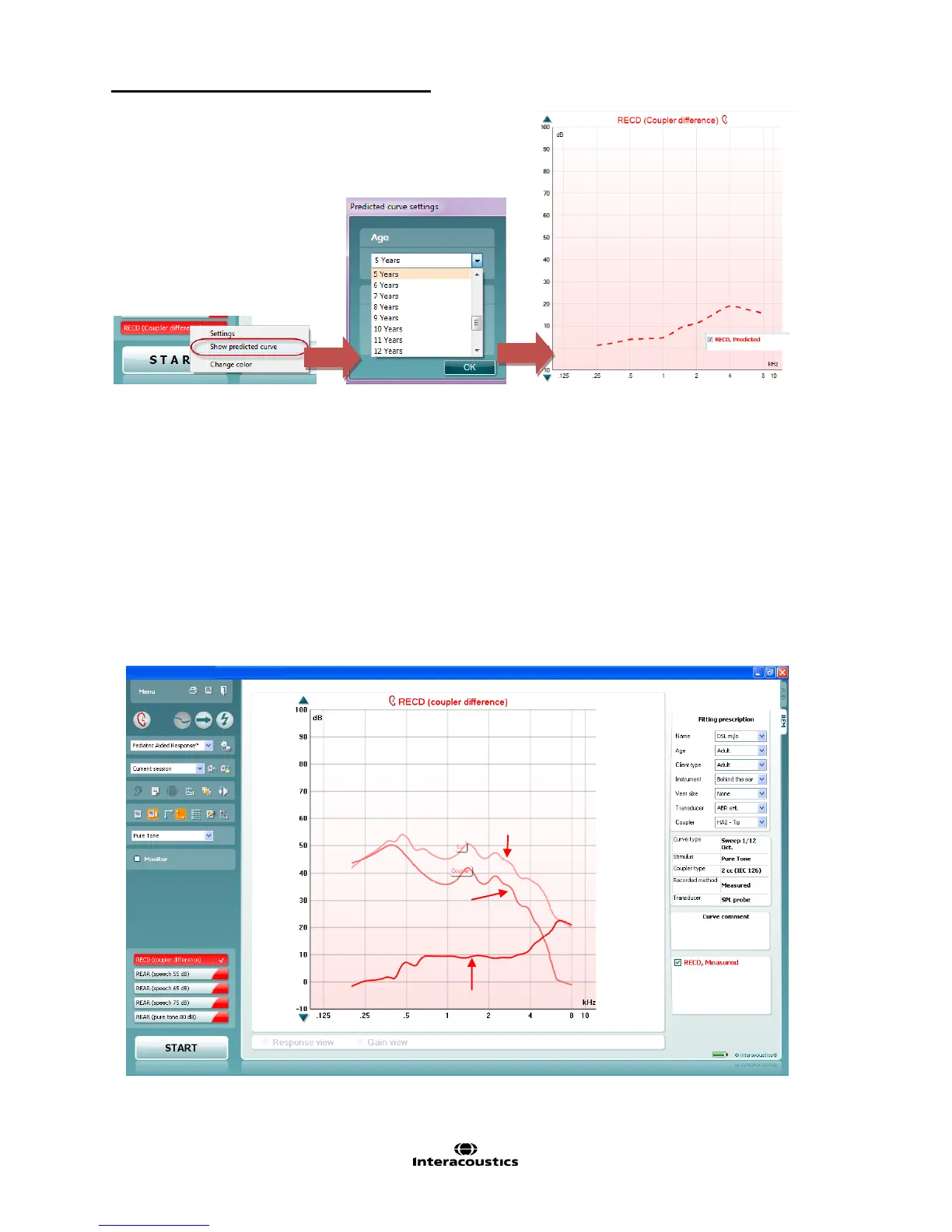
If it is impossible to get an RECD measurement (ex: child is crying or uncooperative), it is recommended to use
age appropriate predicted RECDs.
1. Launch the Affinity
2
or Callisto™ software from your patient management system, Noah or OtoAccess™
and click on the REM440 tab
2. From the Protocols and Sessions drop down list, choose a protocol that includes the RECD (ex: Pediatric
Aided Response)
3. Select RECD
4. Right click on the RECD and select “Show Predicted Curve”. A window will pop up, asking to choose the
age and to choose the type of prediction: “ear mould” or “tip”



 To Next Page