Item No. 8105092 – 12/2013 Page 4 of 5
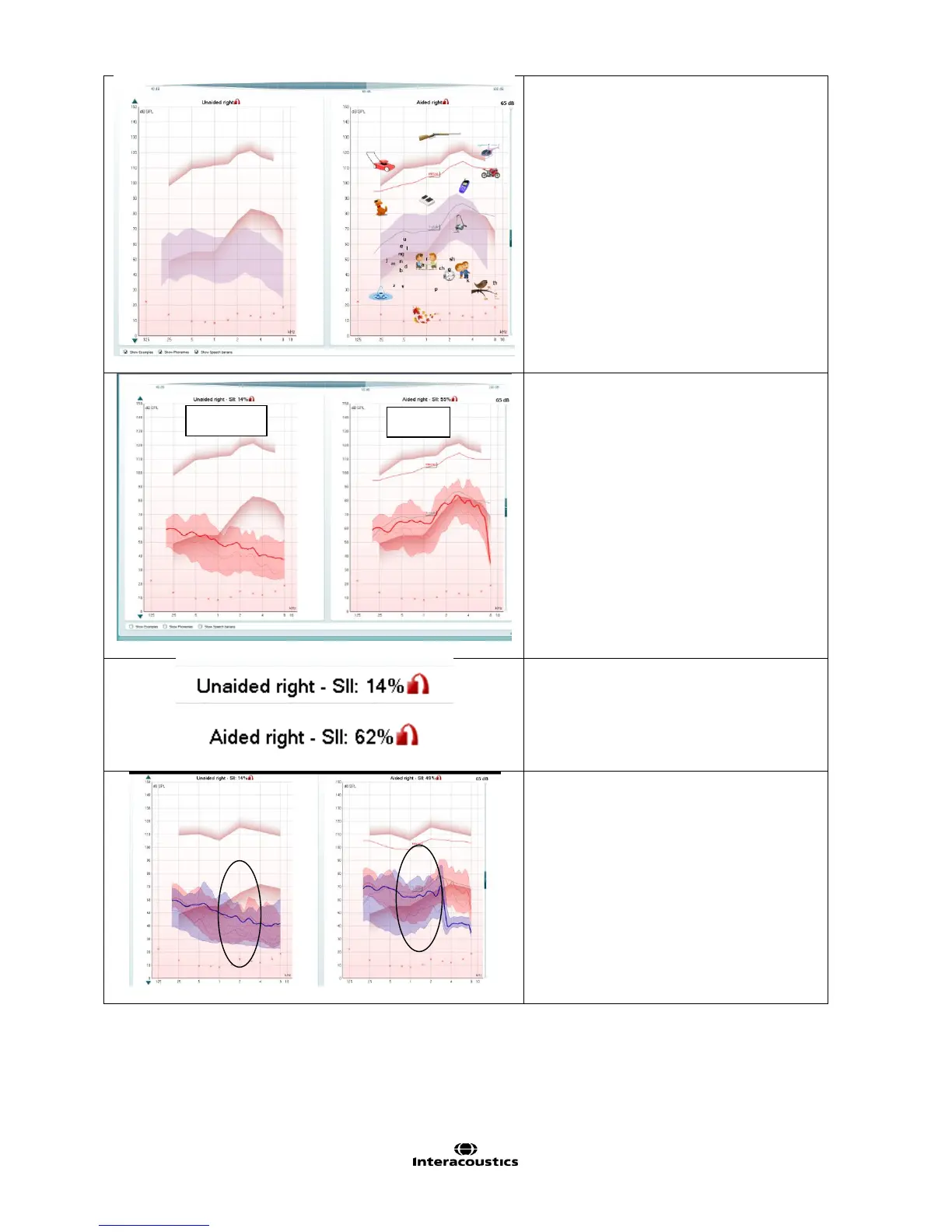
Counseling overlays.
Use visuals to help explain the hearing
loss to patients.
Adding visual information helps
understanding of amplification and
hearing loss.
Choose from “Familiar Sounds”
examples, Phonemes and Speech
Banana.
Unaided vs Aided.
Easily visually demonstrate the
difference between unprocessed vs
processed/amplified sound.
Can demonstrate the effect of adaptive
hearing aid features.
Frequency Shifting.
Noise reduction.
Speech Intelligibility Index.
Use this to visibly show, using a percentage,
improvement in speech intelligibility from
unaided to aided.
Adaptive Feature example 1: Demonstrating
Frequency Shifting.
Red curve: Unaided vs Aided, normal
amplification.
Blue curve: Unaided vs Aided after
activating a frequency shifting algorithm



 To Next Page