Item No. 8105093 – 12/2013 Page 3 of 4
Test procedure:
1. Position the hearing aids and reference microphone as shown in the pictures above.
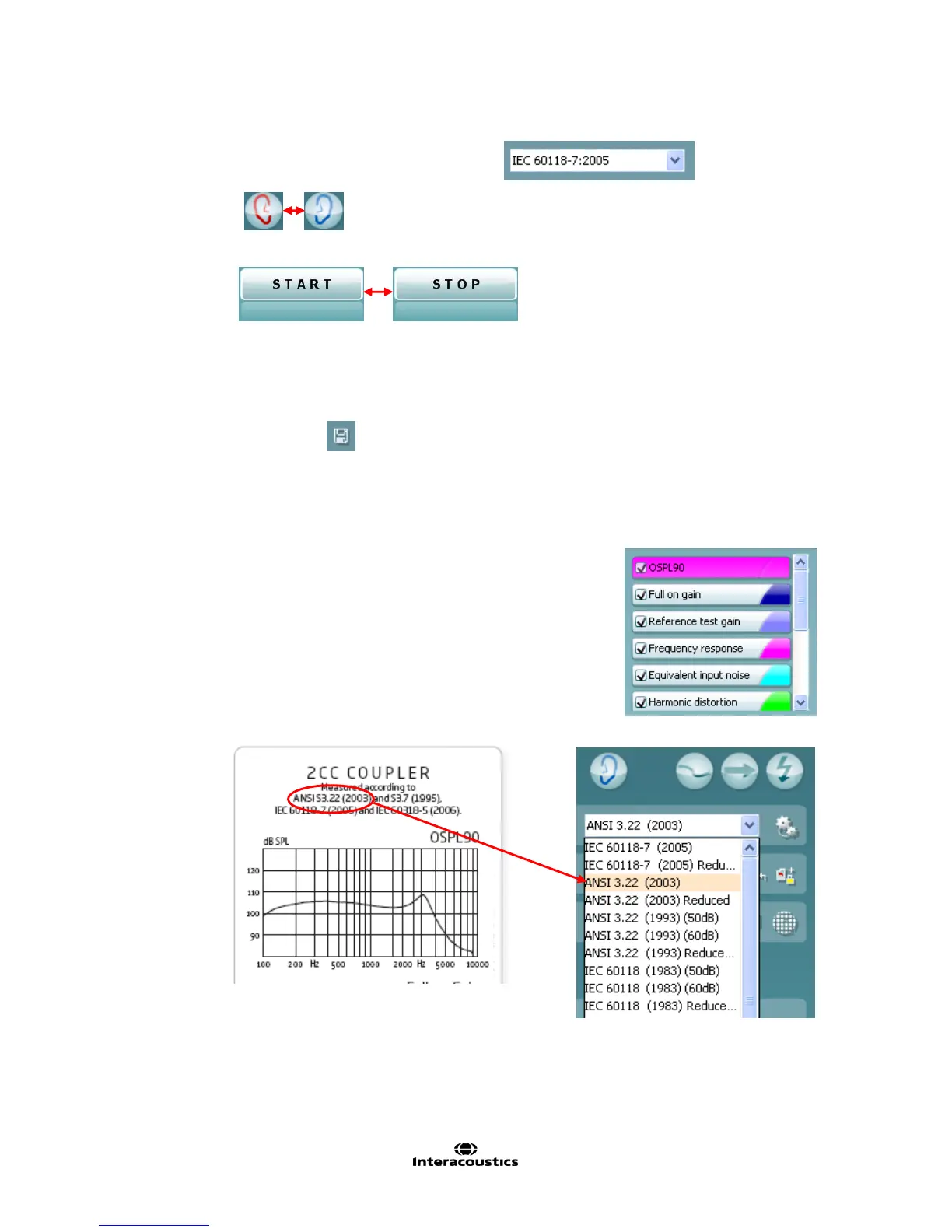
2. Select the desired test protocol in the List of Protocols
3. Select Test Ear .
4. Select START
5. Please wait for all tests of the selected protocol to be performed.
6. Save by clicking “Save” icon
Comparing to the manufacturers specification sheets
Most hearing aid manufacturers use known international standards, such as
the ANSI or IEC for their specification sheets. The same standard can
usually be selected in the HIT440 software.



 To Next Page