Item No. 8105094 – 12/2013 Page 3 of 3
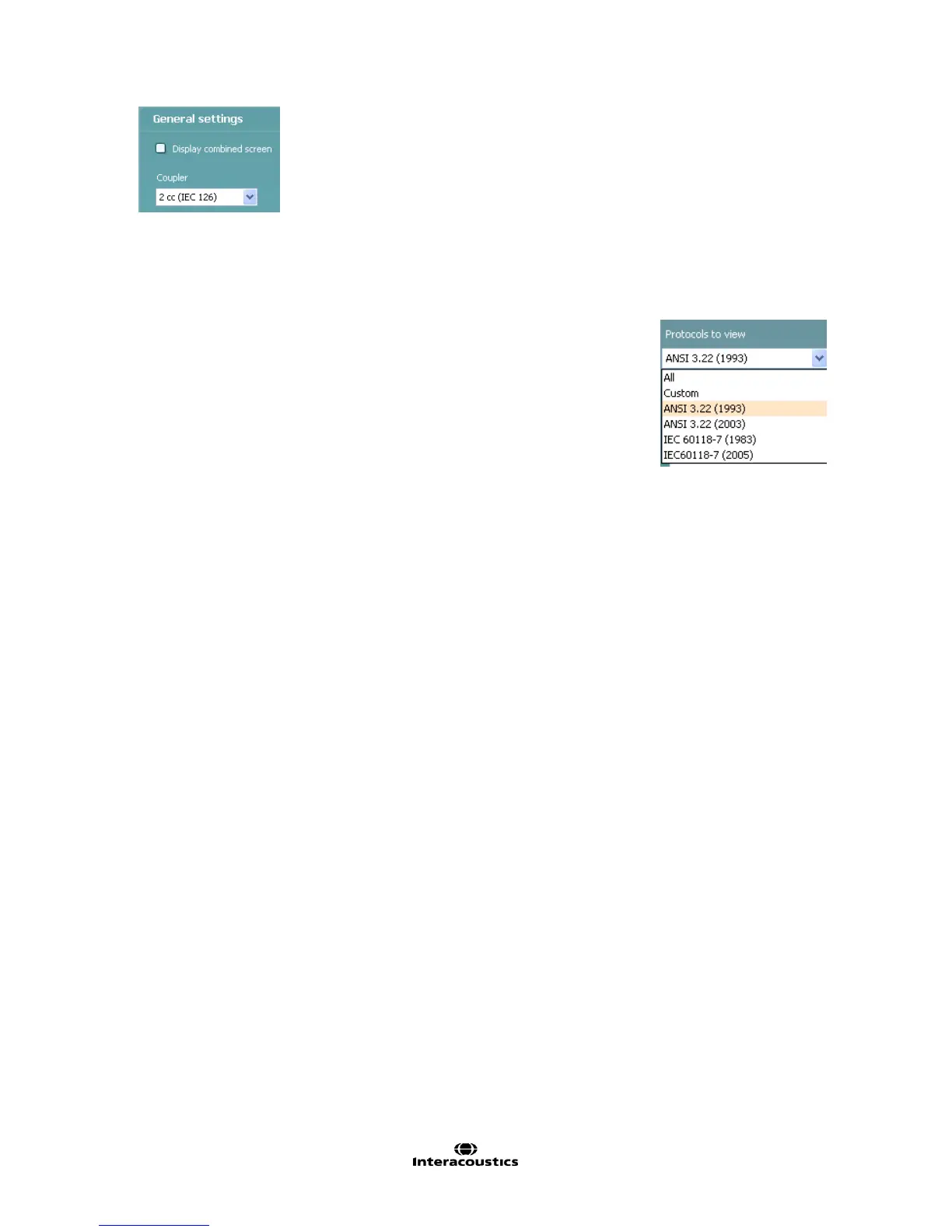
8. In General settings find the following additional options:
Display combined screen allows for comparing different curves by default in the
same graph. The option is also available from the front screen. Which curves to
compare can be setup individually (see section Error! Reference source not
found.).
Coupler allows you to select the preferred coupler to be used in the test protocol.
Select from 0.6 cc, 1.2 cc, 2 cc, and Ear simulator (IEC 711).
Note: Prior to creating a new test protocol you may wish to select a protocol type
in the Protocols to view dropdown list. This function is practical if you for example
wish to create a new protocol based on elements from the ANSI or IEC standard.
In this case the dropdown list can be used to select an ANSI or IEC standard
before clicking New. When asked if the new protocol should be based on a copy
of the currently selected protocol, click yes.



 To Next Page