Preliminary OEM installation manual
FCC ID: OSZ37704M Page 4 of 11
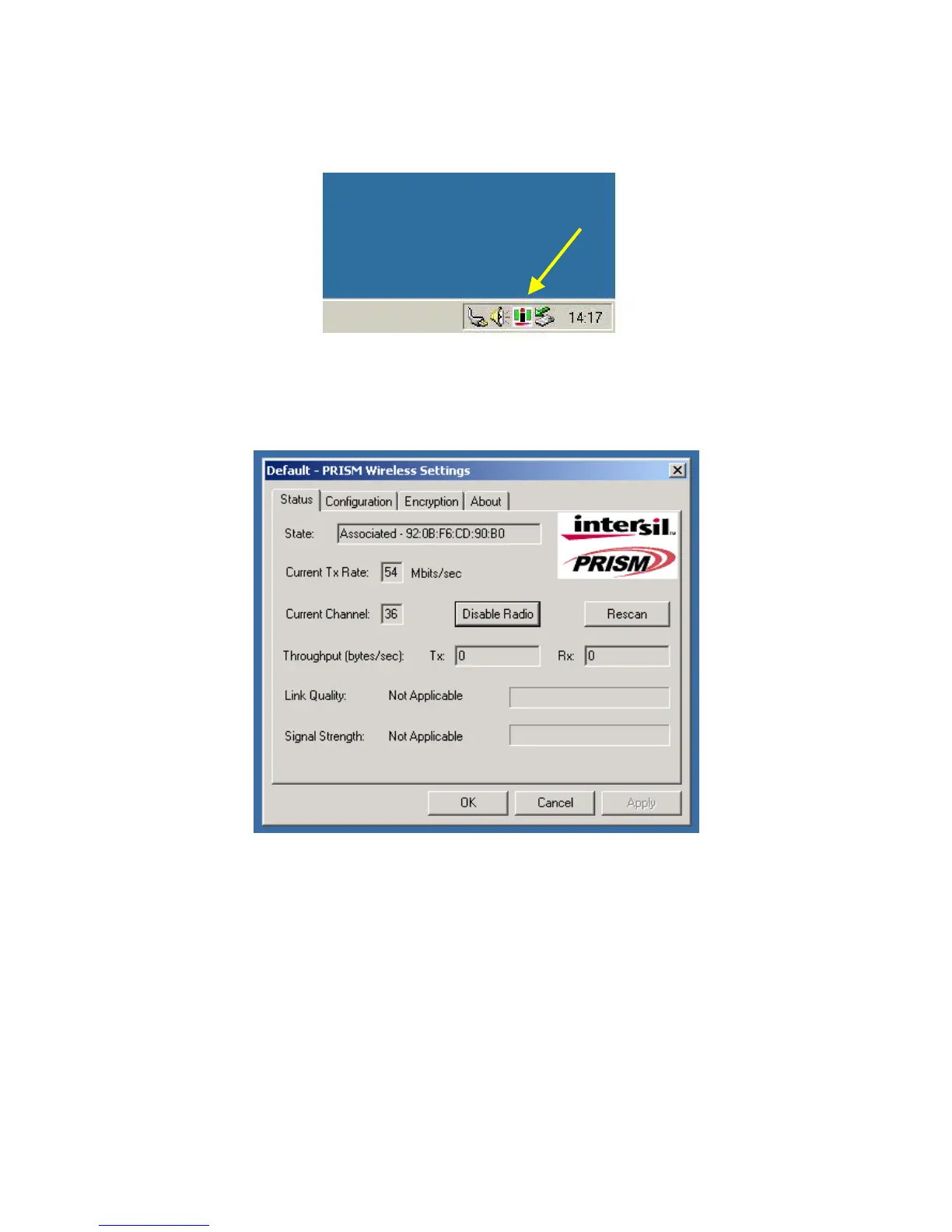
d-the Intersil WLAN icon will appear in system tray on the bottom right of the screen (see yellow
arrow in fig. 01)
fig, 01: Intersil WLAN icon
e-double click the Intersil WLAN icon to open the WLAN settings, the following window will appear
(see fig.02)
fig, 02: Intersil WLAN settings window



 To Next Page