OPERATION GUIDE
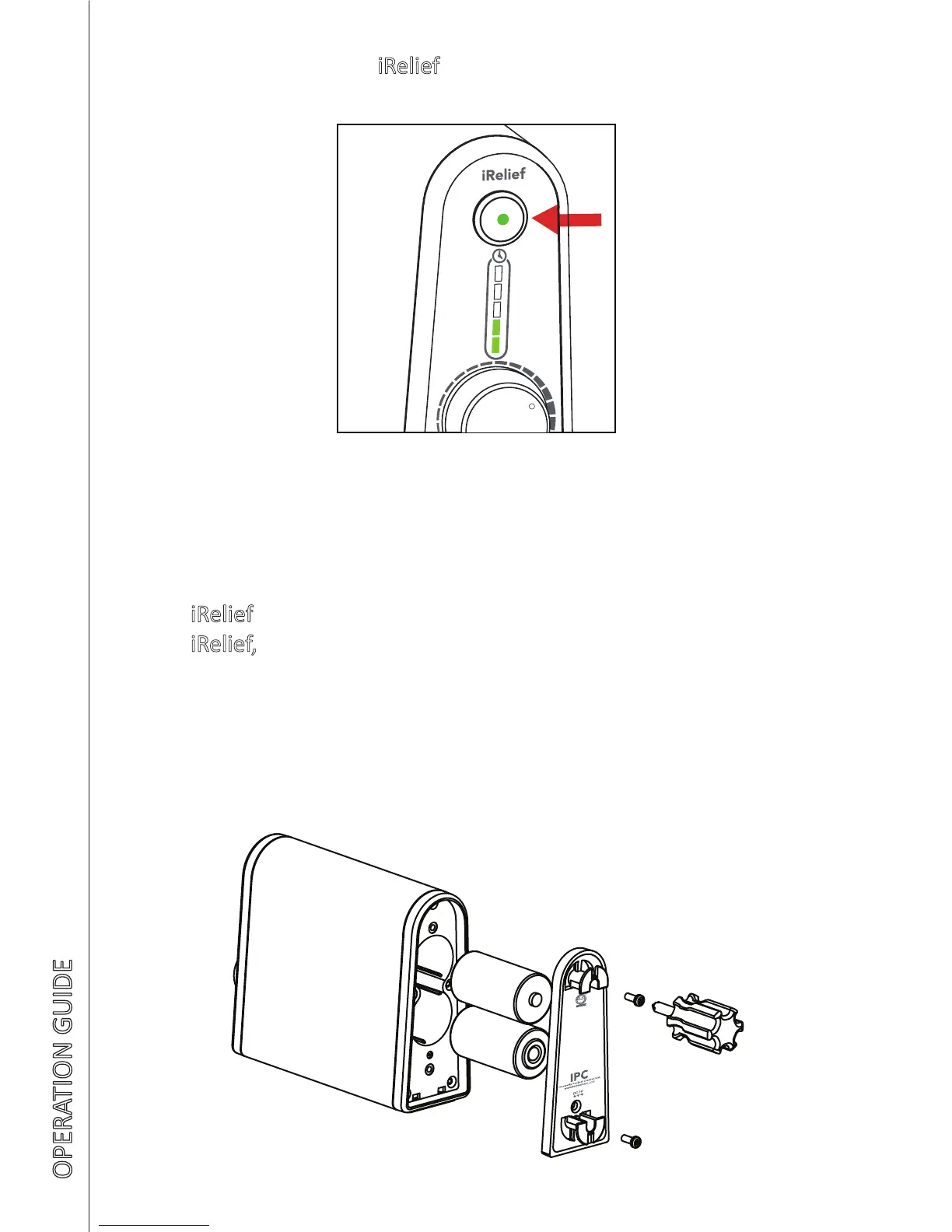
7. To stop or turn o iRelief at anyme, press the on/o buon
8. During baery operaon only, the low baery indicator ashes
to indicate that the battery should be replaced soon. Should
iRelief not operated when pressing on/o buon to start the
iRelief, it indicates that the baeries are totally consumed and
need to be replaced. Use the provided screw driver to open
the baery door for baery replacement. Follow the “+” and
“-” terminal to replace the baery accordingly before closing
the baery door
10



 To Next Page