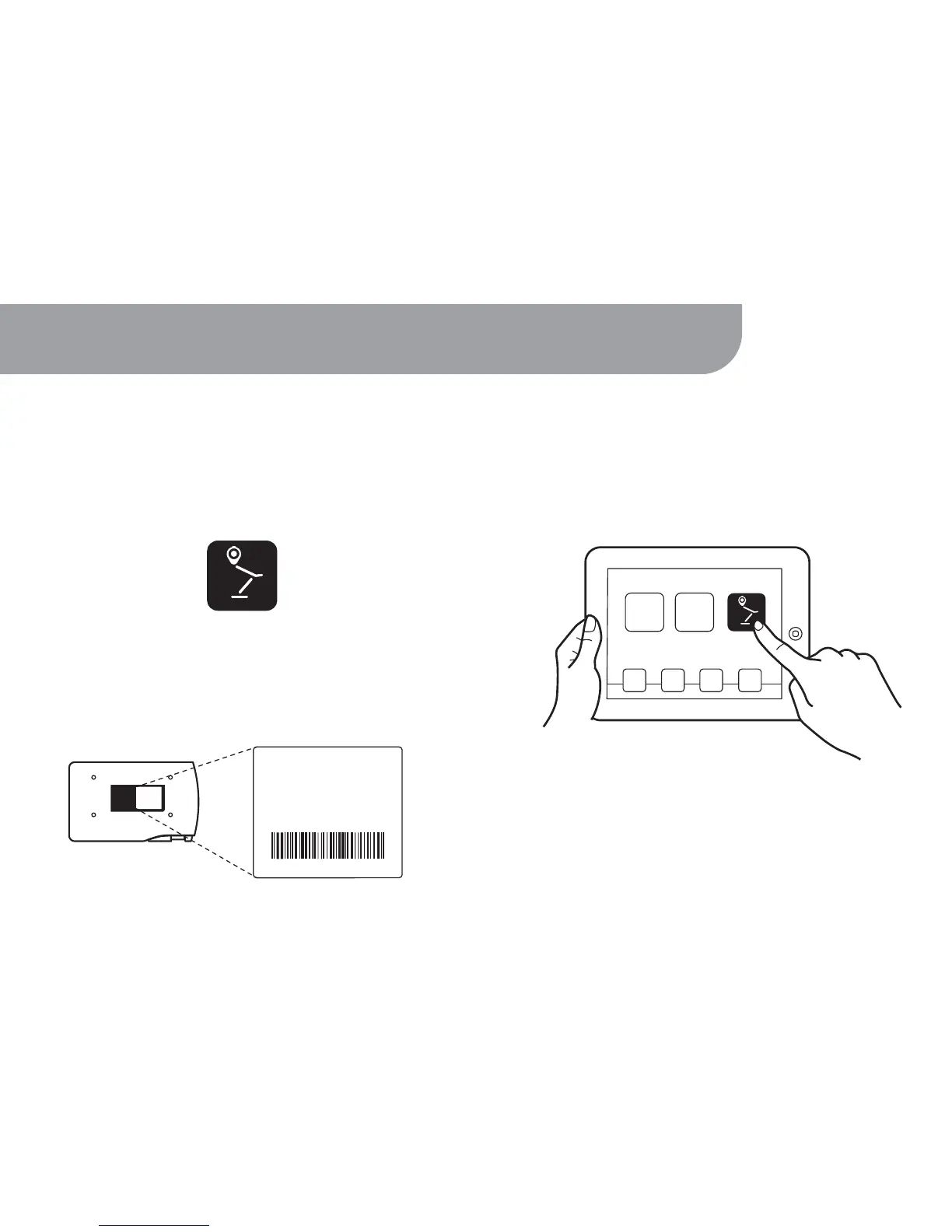
On iPad:
1. Go to the Apple App Store on your iPad.
On App Store, search for and install the free
“IPEVO Whiteboard” app.
9
3. Launch IPEVO Whiteboard and follow the
onscreen guide to access WS-01’s features.
2. Hit “Settings” on your iPad and enter “Wi-Fi
Settings.” Browse the available connections
and connect to WS-01's SSID (SSID can be found on
the label located on the bottom of the device).
Bottom of WS-01



 To Next Page