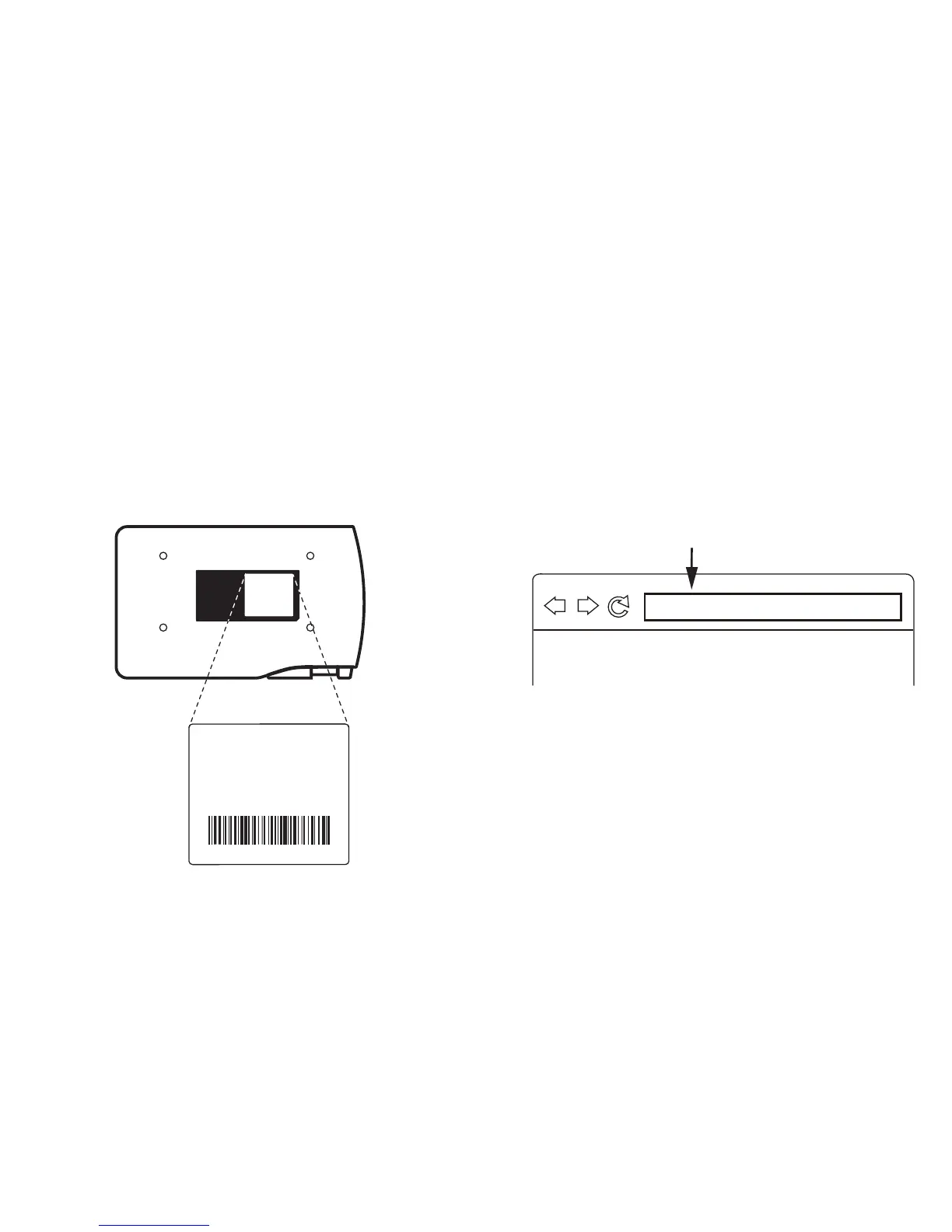
10.10.10.1
Enter IP address
On Mac or PC:
1. Browse your available wireless networks and
connect to WS-01's SSID (SSID can be found on
the label located on the bottom of the device).
IPEVO WS-01_3524
SSID:
MAC Address:
0123456789ab
25123B01234
2. Launch your browser and connect to the IP
address of WS-01 by typing it into the address
bar. The default for this IP address is 10.10.10.1.
12
Bottom of WS-01



 To Next Page