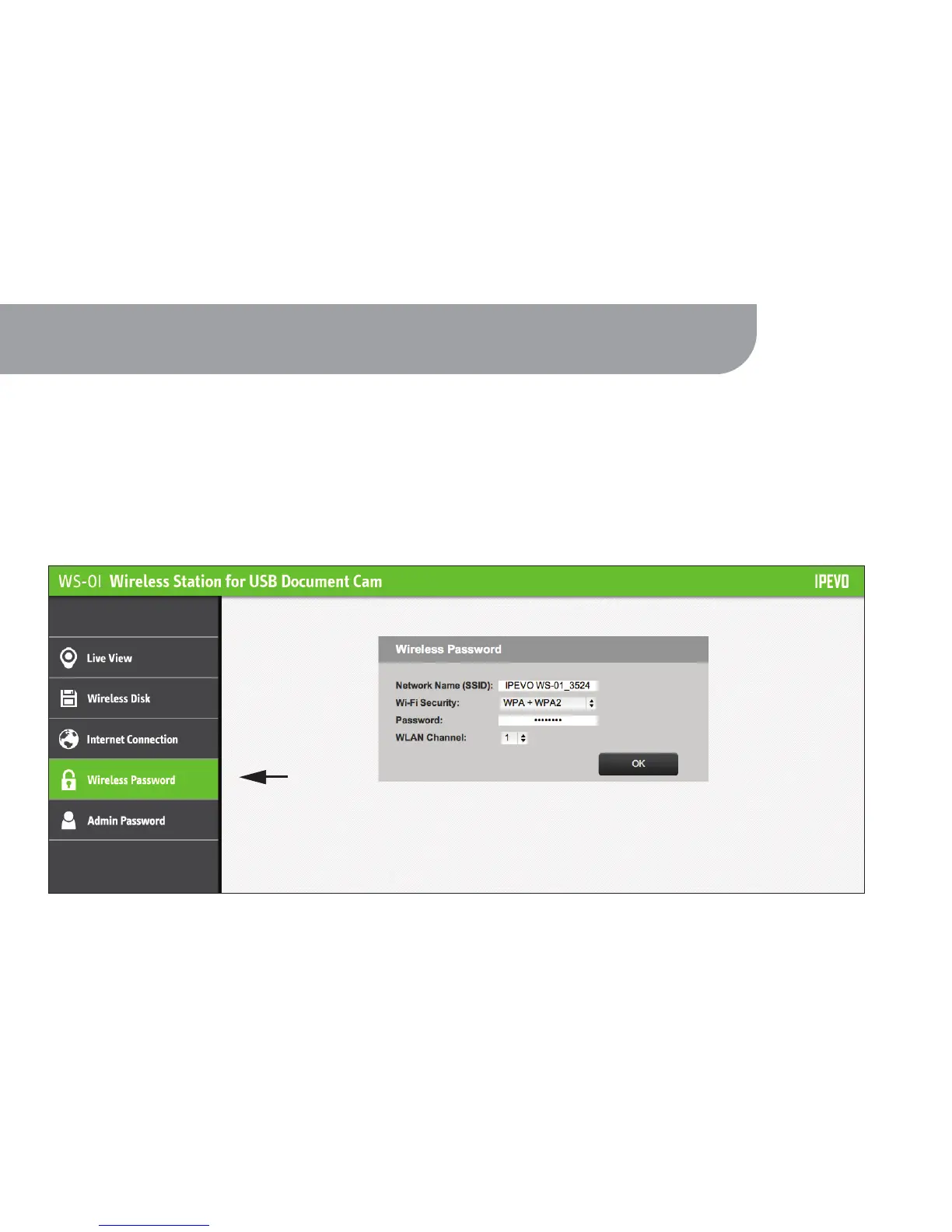
To prevent unwanted access of your Live View and files, secure your WS-01 Wi-Fi network by
adding a password using the Wireless Password function.
10. Securing your WS-01 Wireless Network
1. To set your Wireless Password, access the WS-01 Settings page (see Page 12).
2. Tap on Wireless Password. The WS-01 network name (SSID) and network password can be changed here.
22



 To Next Page