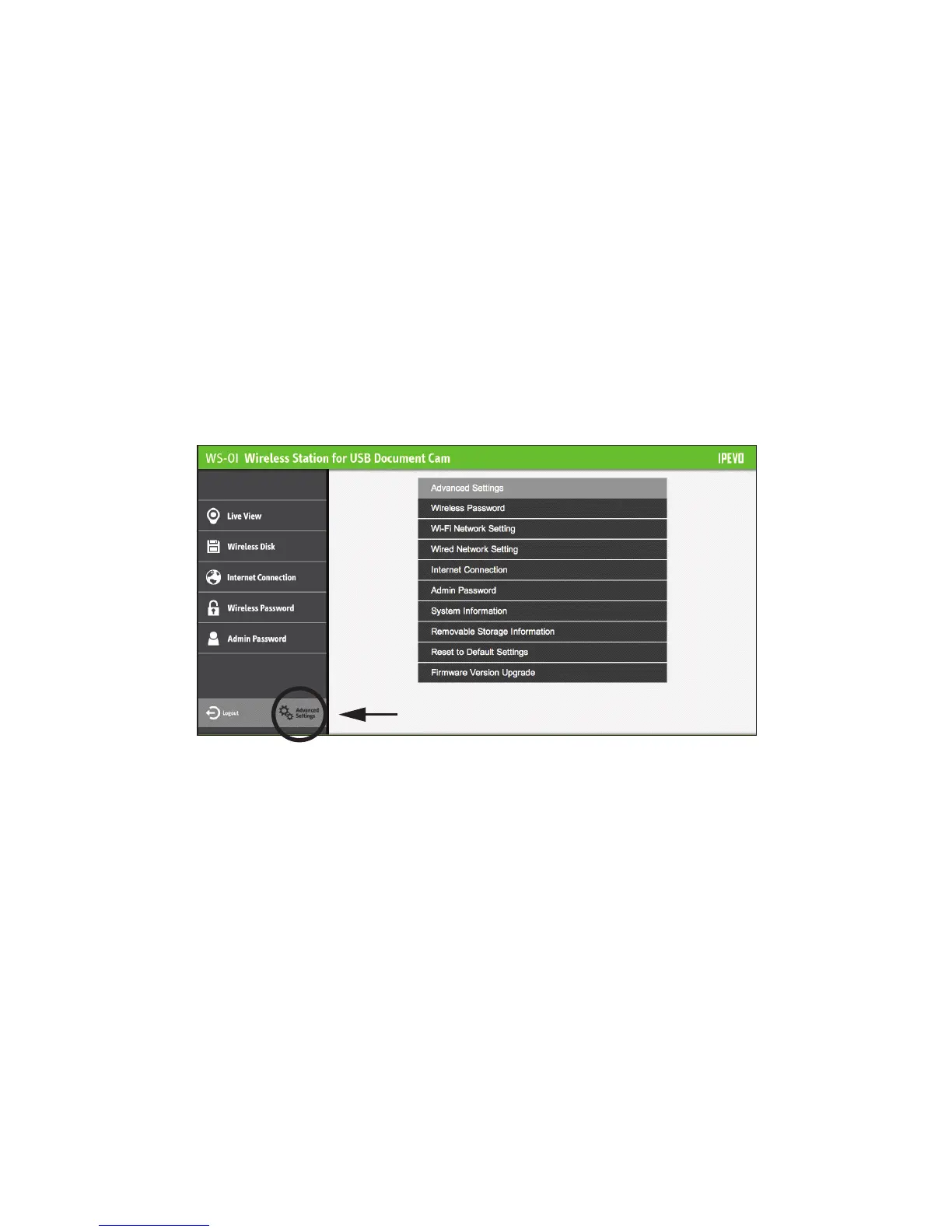
• I am looking for more networks settings on WS-01.
Follow the steps on Page 12 to access WS-01 settings. Hit "Advanced Settings." You should find more
options under Advanced Settings. Please consult your internet administrators for Advanced Settings
regarding network connection.
27
• I need to use static IP for all devices on my network setup. What do I do?
1. Follow the steps on Page 12 to access your WS-01 settings. Hit "Advanced Settings."
2. From there, go to Wired Network Setting > Mode > Fixed IP Address.
3. Enter the IP Address, Subnet Mask, Default Gateway and other settings in their
respective fields, and click OK.


 To Next Page
 Loading...