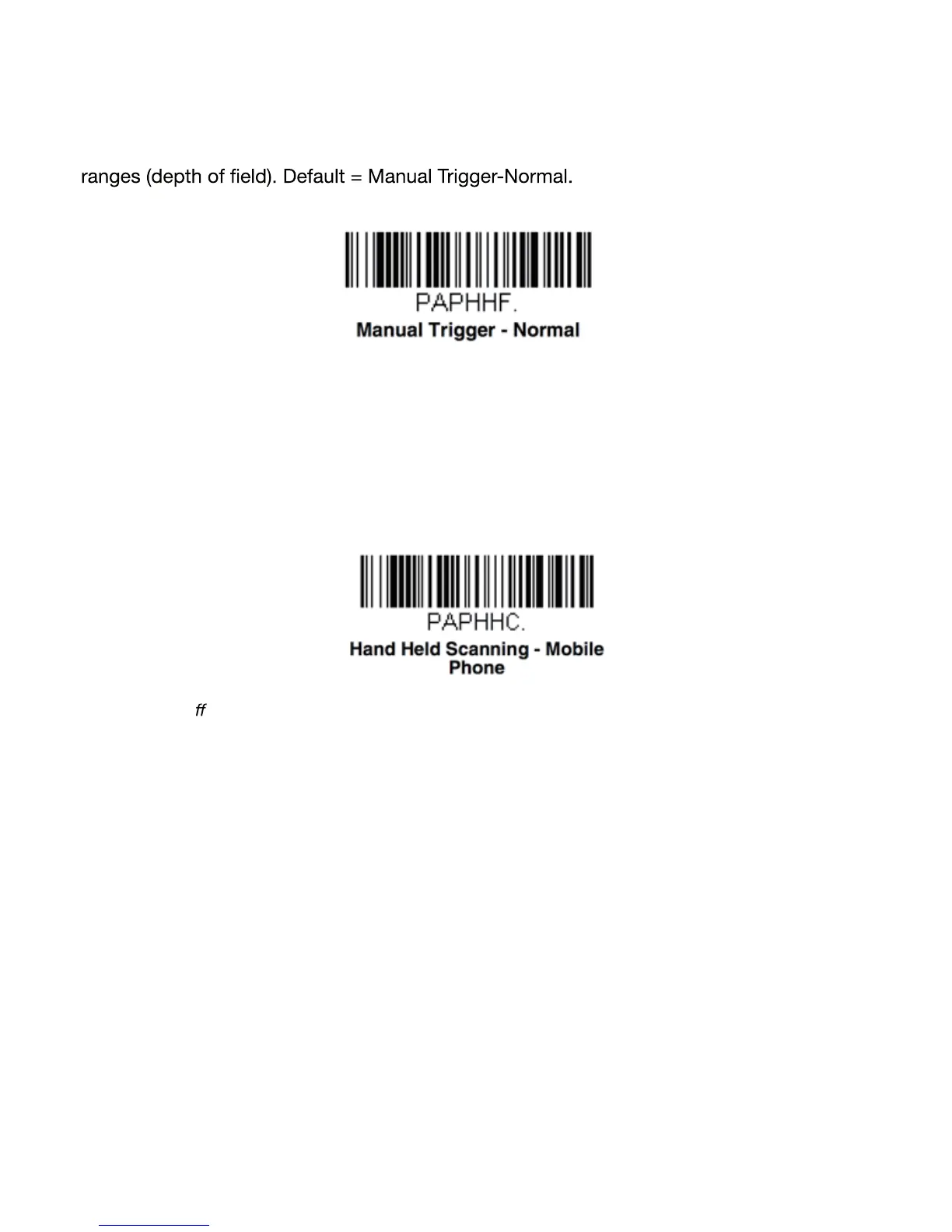
Manual Trigger Mode
When in manual trigger mode, the scanner scans until a barcode is read, or until the scan
button is released. Normal mode provides good scan speed and the longest working
Mobile Phone Read Mode
When this mode is selected, your scanner is optimized to read barcodes from mobile
phone screen or similar LED displays. However, the speed of scanning printed barcodes
may be slightly lower when this mode is enabled.
Note: To turn o Mobile Phone Read Mode, scan a Manual Trigger Mode barcode
17


 To Next Page