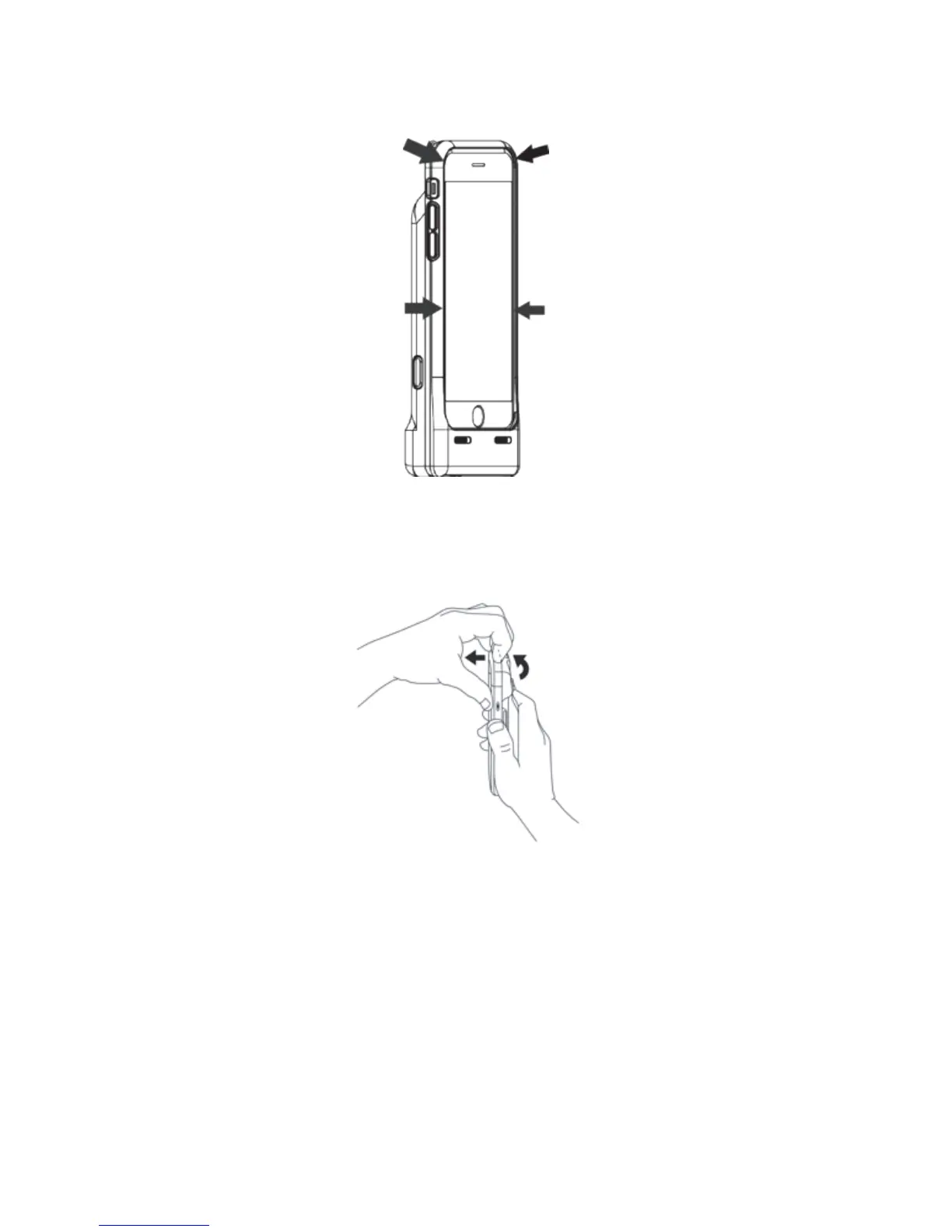
3. Take the unit and snap the top corners into the jacket. Double check the sides and corners to make
sure everything is in place and secured.
4. To remove the iPhone, bend the top corners of the jacket. Place your finger in between the jacket
and the iPhone, and pull the iPhone up and out of the jacket. Be careful not to damage the lighting
connector at the bottom of the jacket.
5


 To Next Page