8
When SIM card 1s inserted in card slot 1, standby
screen will show the icon.
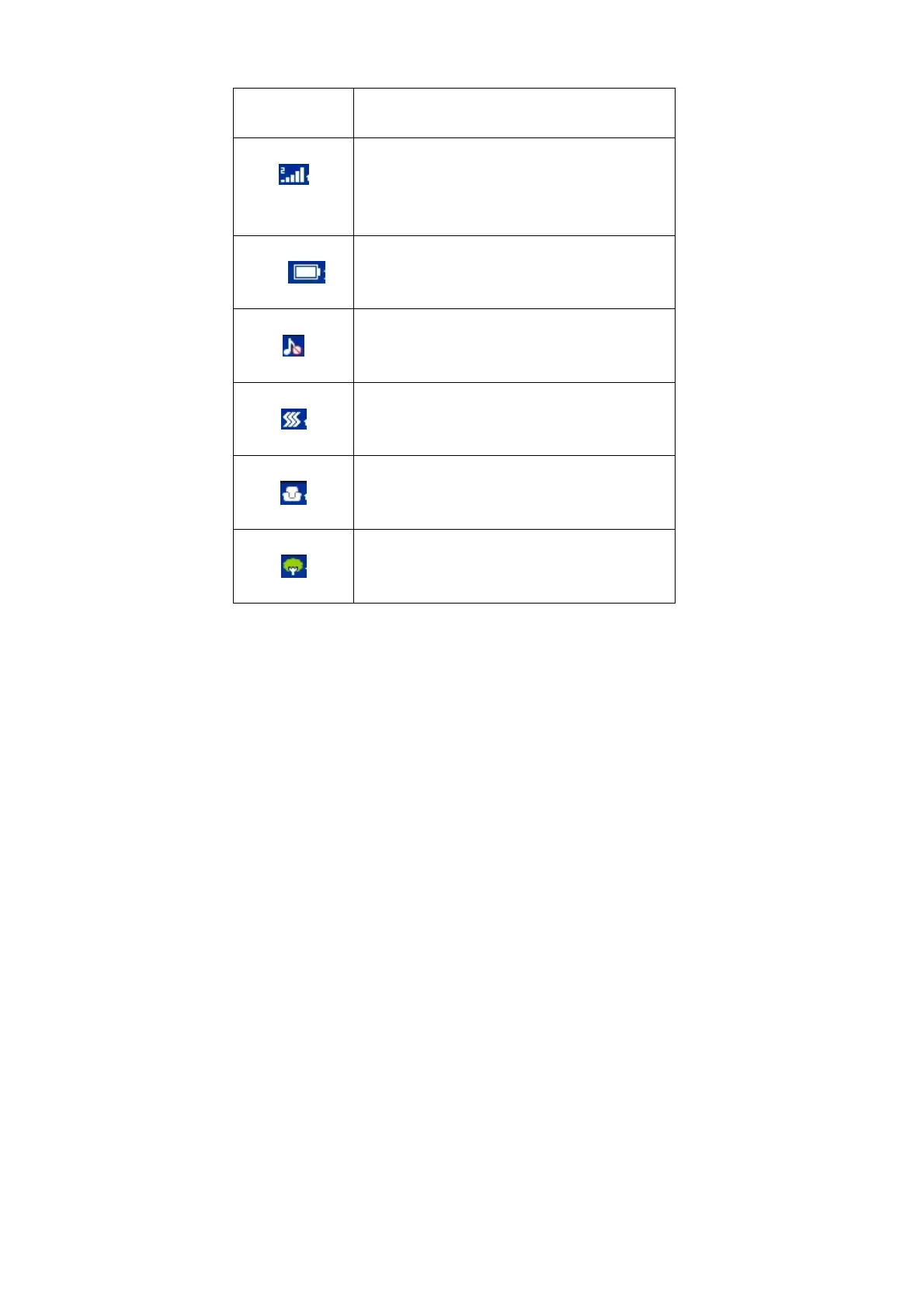
Network signal strength
The more the stripe is, the stronger the signal is.
When SIM card 1s inserted in card slot 2, standby
screen will show the icon.
Battery strength
The full the fill is, the more electric quantity is.
Standby screen will show the icon.
Silent mode
When scene mode is set as mute mode, standby
screen will show the icon.
Vibrate mode
When scene mode is set as Vibration mode
, standby screen will show the icon.
Indoor mode
When scene mode is set as indoor mode, standby
screen will show the icon.
Outdoor mode
When scene mode is set as outdoor mode, standby
screen will show the icon.



 To Next Page