Roomba
®
j8+ Owner’s Guide 5
EN
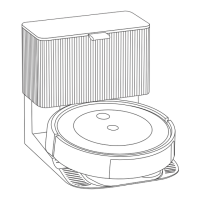
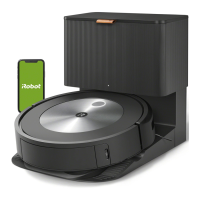
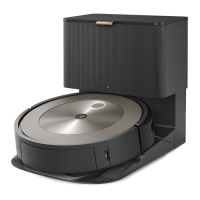
About Your Automatic Dirt Disposal
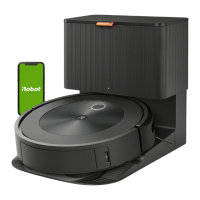
While cleaning, your robot will automatically return to the dirt
disposal to empty its bin and recharge as needed.
The dirt disposal’s LED indicator will turn solid red when a new
bag is needed. If a clog is detected, the dirt disposal will trigger
additional attempts to automatically clear the clog.
Note: If you place your robot on the dirt disposal by hand, it will not
empty automatically. In this case, use the iRobot Home App or hold
the button down for 2-5 seconds.
Troubleshooting
• Your robot will tell you something is wrong by playing an audio alert and
turning the light ring indicator red. Press the clean button or tap the bumper
for details. Check the iRobot Home App for further support.
Red Light Ring
Low battery. Please charge.
• After 90 minutes of inactivity o the charging station, the robot will
automatically end its cleaning job.
• To factory reset your robot, remove the dust bin and hold the clean button
down for seven (7) seconds. A sound will let you know when the factory reset
has been completed. Press the clean button down once more to confirm.
Battery Safety & Shipping
For best results, only use the iRobot Lithium Ion Battery that comes
with your robot.
WARNING: Lithium ion batteries and products that contain lithium
ion batteries are subject to stringent transportation regulations. If you
need to ship this product for service, travel or any other reason, you
MUST follow the below shipping instructions.
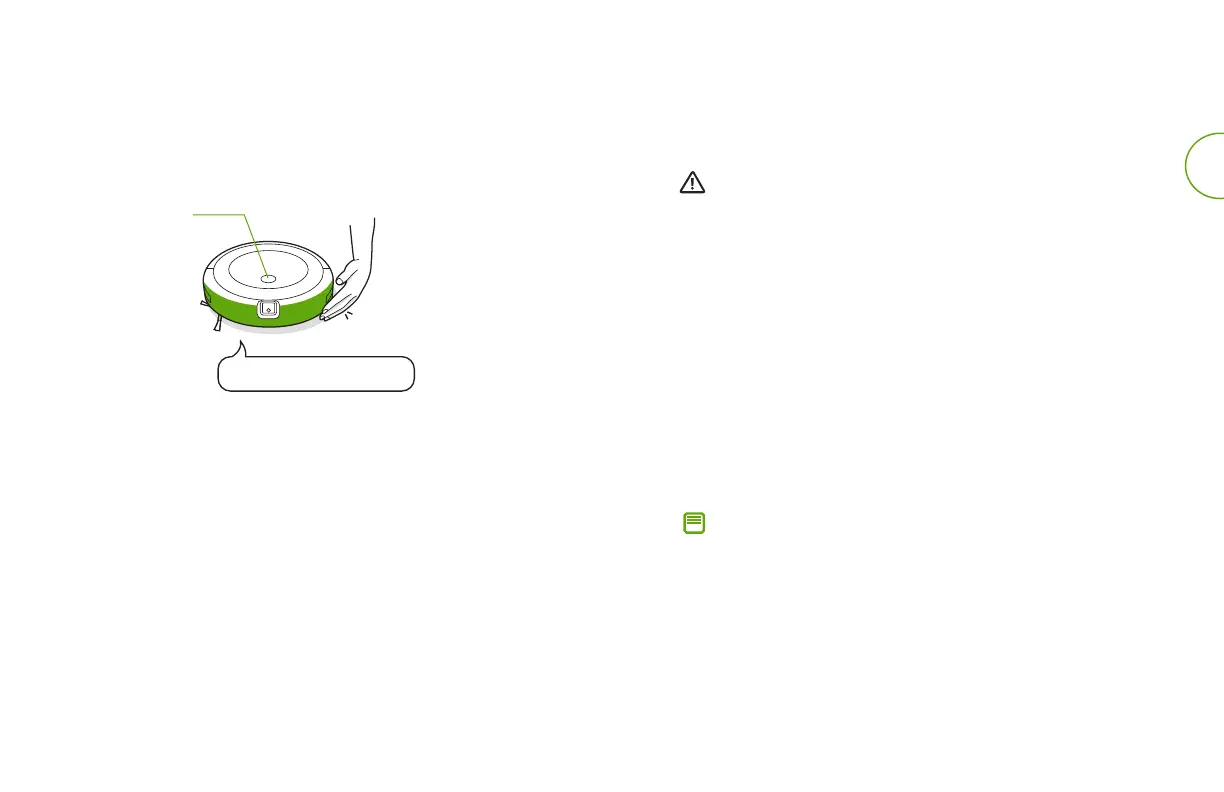
• Battery MUST be turned o before shipping.
• Turn o the battery by removing the robot from the charging
station and holding down the clean button for 3 seconds with one
wheel o the ground. All indicators will turn o.
• Package the robot securely for shipping.
• If you need further assistance, contact our Customer Care team or
visit global.irobot.com.





 To Next Page