
 Need help?
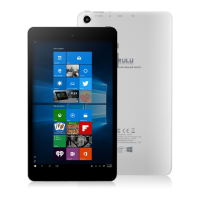
Do you have a question about the IRULU W181 and is the answer not in the manual?
Access and use the Windows Start Menu, displaying applications in "magnet" and list formats.
Check application lists via "Win" - "All apps" and pin/unpin programs on the start interface.
Open Action Center from the right side to check tablet status like Rotation lock and Bluetooth.
Scan and close running programs by sliding from the left and clicking 'X'.
Learn how to put the tablet to sleep, restart, or perform a forced shutdown by holding the power button.
Access recovery options via Windows settings for updates and security.
Instructions on turning on Bluetooth, pairing devices, and sending/receiving files.
Set up security by creating a local user account through Windows settings.

 To Next Page
 General