41
Please go to page 42
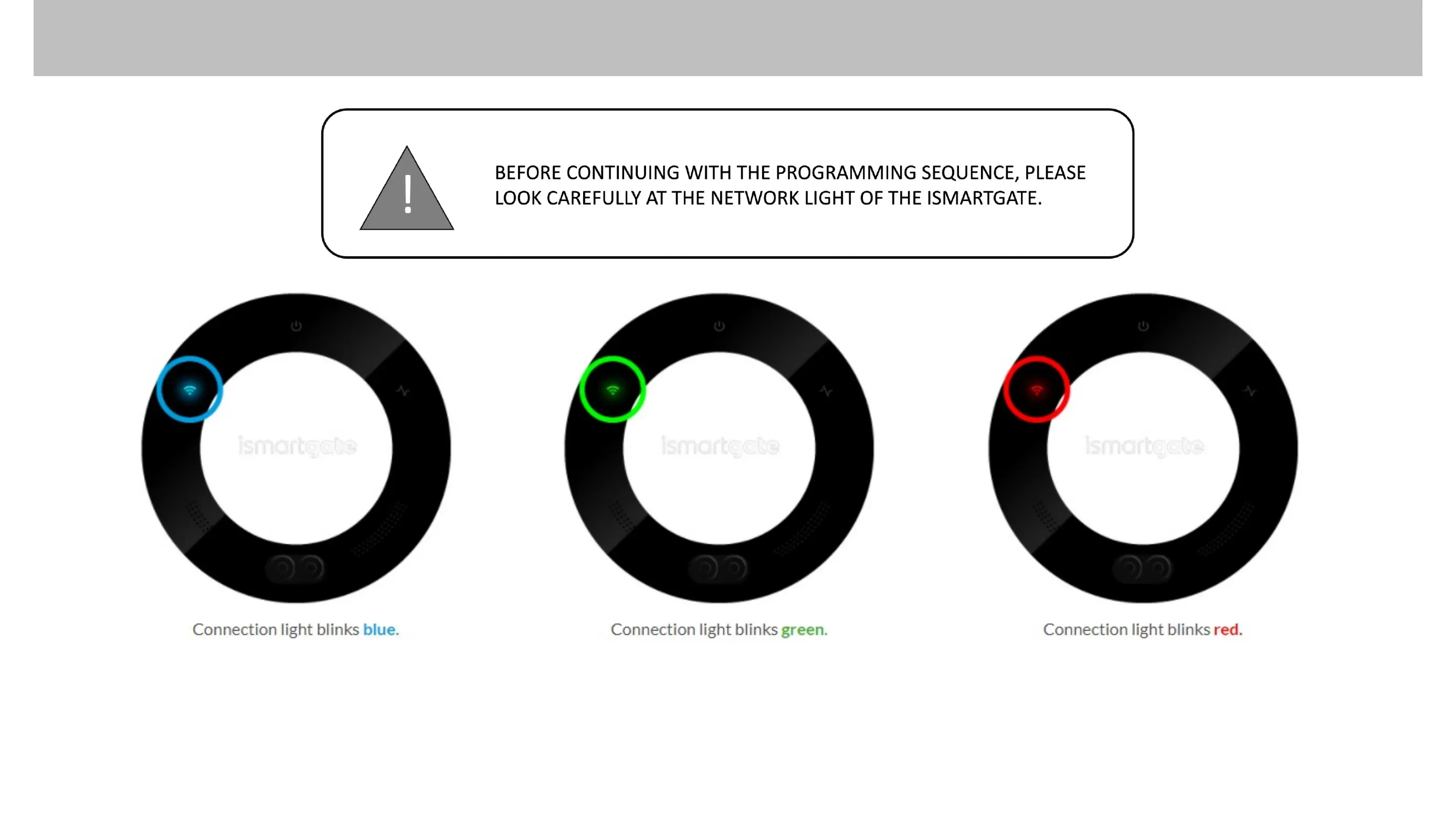
If the ismartgate is already
connected to your network
but it is not configured:
Please go to page 46
Otherwise, go to page 56
To reset the device,
Please go to page 33
PROGRAMMING ISMARTGATE (ANDROID)
You only have 15 minutes to start
the configuration, if the light
starts blinking red, please unplug
the device and plug it in again.



 To Next Page