Dual set-point model
Basic
operation
• When the display
is
not
flashing, the number shown on the thermostat
is
the ambient
temperature in the room.
•
If
the display shows a sun, the thermostat
is
in day mode;
if
it
shows a moon, the thermostat
is
in
night
mode.
• When the display
is
flashing, the number shown
is
the set-point temperature,
i.e.
the desired
room temperature which you have set.
• The set-point temperature
is
stored in the thermostat's memory, even during a power failure.
• Before displaying
or
adjusting a set-point temperature, make sure the thermostat
is
in the
correct mode.
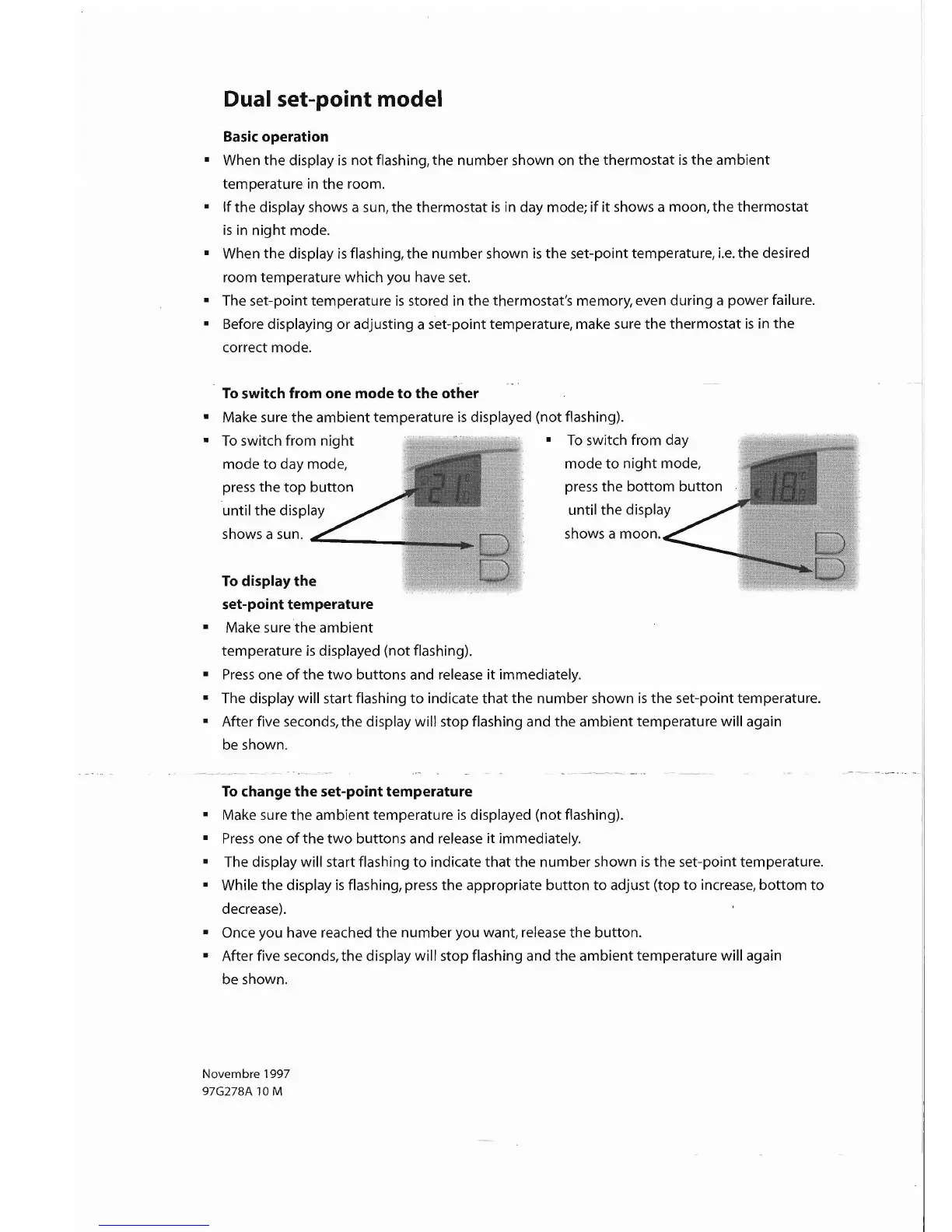
To
switch from one mode
to
the other
• Make sure the ambient temperature
is
displayed (not flashing).
•
To
switch from night •
To
switch from day
mode
to
day mode, mode
to
night
mode,
press the
top
button
press the
bottom
button
until the display until the display
shows a sun. shows a moon.
To
display the
set-point temperature
• Make sure the ambient
temperature
is
displayed (not flashing).
•
Press
one
of
the
two
buttons and release
it
immediately.
• The display will start flashing
to
indicate
that
the number shown
is
the set-point temperature.
• After five seconds, the display will stop flashing and the ambient temperature will again
be
shown.
To
change
the
set-point temperature
• Make sure the ambient temperature
is
displayed (not flashing).
•
Press
one
of
the
two
buttons and release
it
immediately.
• The display will start flashing
to
indicate
that
the number shown
is
the
set-point temperature.
• While the display
is
flashing, press the appropriate
button
to
adjust (top
to
increase,
bottom
to
decrease).
• Once you have reached the number you want, release the button.
• After five seconds,
the
display will stop flashing and the ambient temperature will again
be shown.
Novembre 1997
97G278A
10
M


 To Next Page
 Loading...