4-108
CONTROLS AND INSTRUMENTS
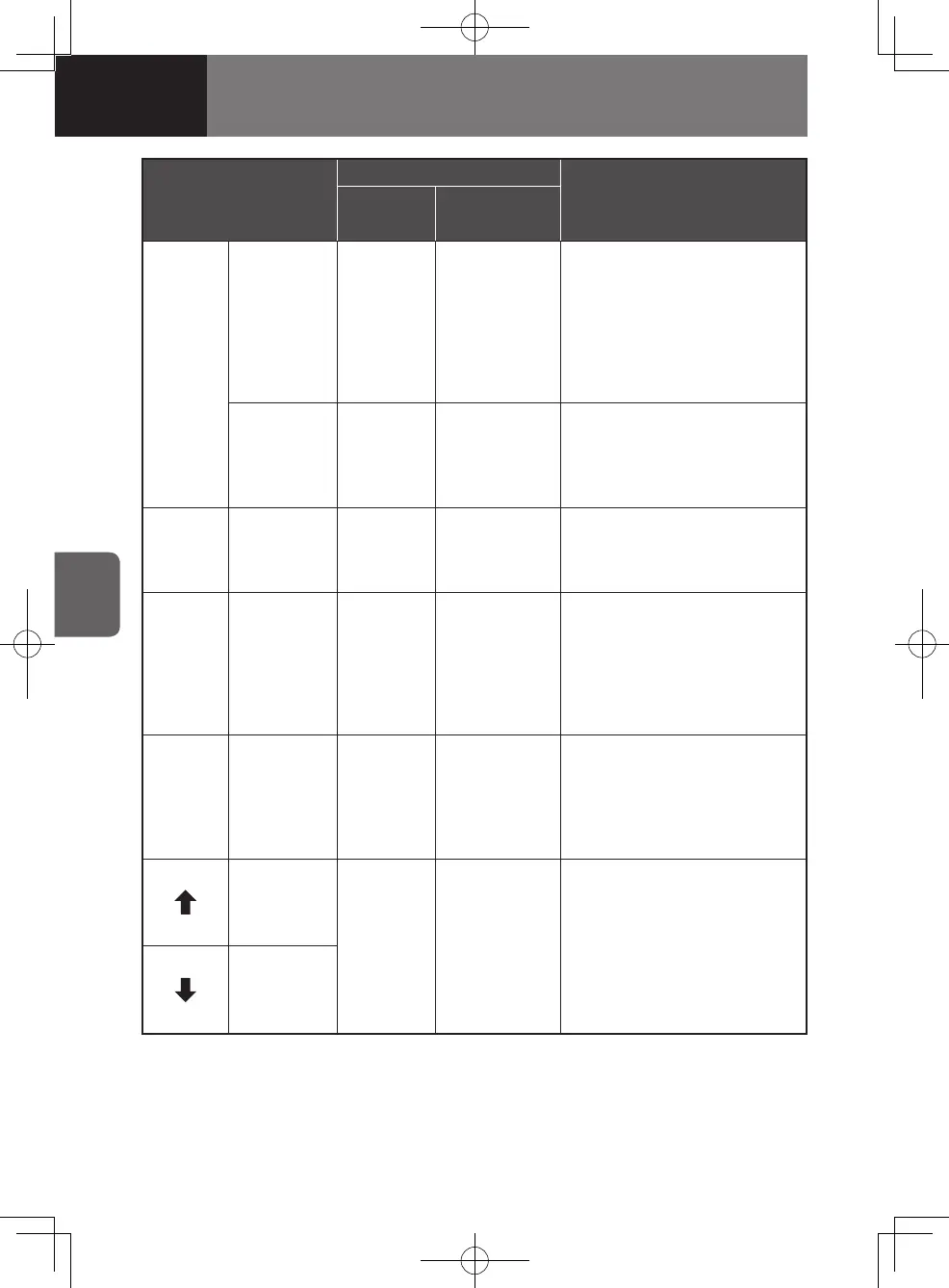
Selector button
Shift selector display
Description
Selected
position
Recommended
gear
MODE
Driving mode
selector
button
(type 1)
――
• Press this button when you
need more power as in when
passing, driving on an uphill
road, or in other similar
situations.
- The mode ON light at the
upper right corner of the
button comes on.
Driving mode
selector
button
(type 2)
6 MODE
• Press this button when you
need more power as in when
passing, driving on an uphill
road, or in other similar
situations.
R
Reverse
button
RR
• Press this button when backing
the vehicle up.
- Operate the button after
stopping the vehicle.
N
Neutral
button
NN
• Press this button when shifting
into neutral.
- Depress the brake pedal
before you can press the
"D" or "R" button when the
neutral position has been
selected.
D
Drive
button
6 1 - 6
• Press this button for normal
driving.
- The transmission makes
shifts automatically between
all gears from "1" (1st) and
"6" (6th) ("D6" position).
Manual
selector
button
(Upshift)
1,2,3
4,5,6
1 - 6
• Press either of these buttons to
select an appropriate gear for
the current driving condition.
- Press a manual selector
button until the desired gear
is indicated on the selected
position display.
Manual
selector
button
(Downshift)
4608498sec04CONTROLSANDINSTR4-1084-1084608498sec04CONTROLSANDINSTR4-1084-108 2015/11/0213:59:492015/11/0213:59:49



 To Next Page