9
Setting
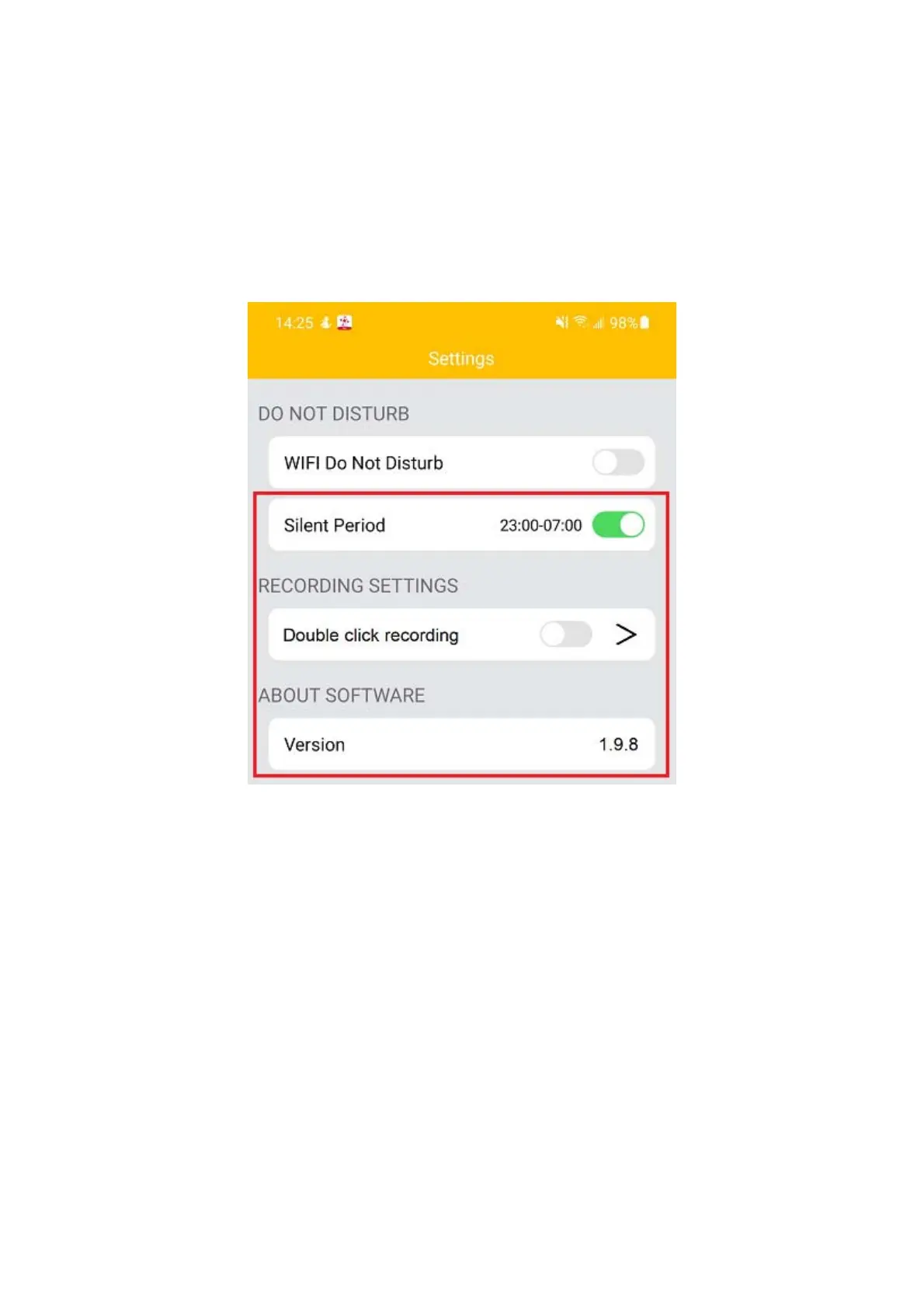
In order to experience the functions of Smart Tag better, enter into the settings men u to set
yourSmartTag.
Asshowninbelowimage‐
SilentPeriod:Setthesilenttimefornotreceivingalarm.
Double click recording: Only available on iOS device. Turn this function on, double click the
camera button on Smart Tag to start recording, anddouble click again to finish and store the
recordfile.Simplypress>buttontosee
therecordfilesandclickthefiletoplay.
Version:VersionofcurrentsoftwareApp.
Careandmaintenance
Readthefollowingrecommendationsbeforeusingtheunit.Followingtheseyouwillbeableto
enjoytheproductformanyyears.
Donotexposetheunittoliquid,moistureorhumiditytoavoidtheproduct’sinternalcircuit
beingaffected.
Don’tuseabrasivecleaningsolventstocleantheunit.


 To Next Page
 Loading...