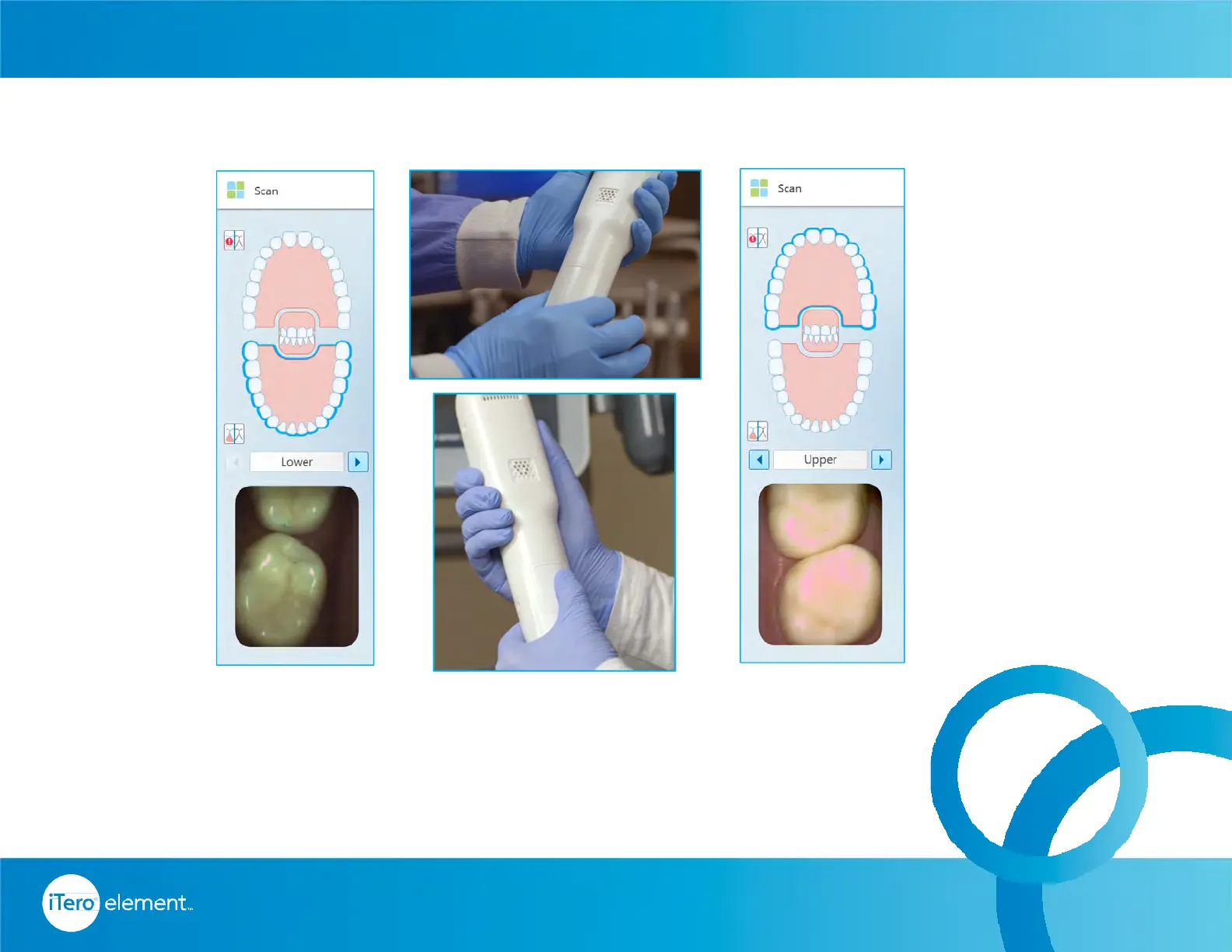
Switch to the opposing arch by pressing on the arch on the touchscreen or use the
touchpad on the wand.
Follow the same protocol for the upper as with the lower. occlusal, lingual / palatal,
buccal, and incisal edge.
Switching to Opposing Arch
36
© 2016 Align Technology, Inc. All Rights Reserved.
Invisalign
®
Scanning Basics



 To Next Page