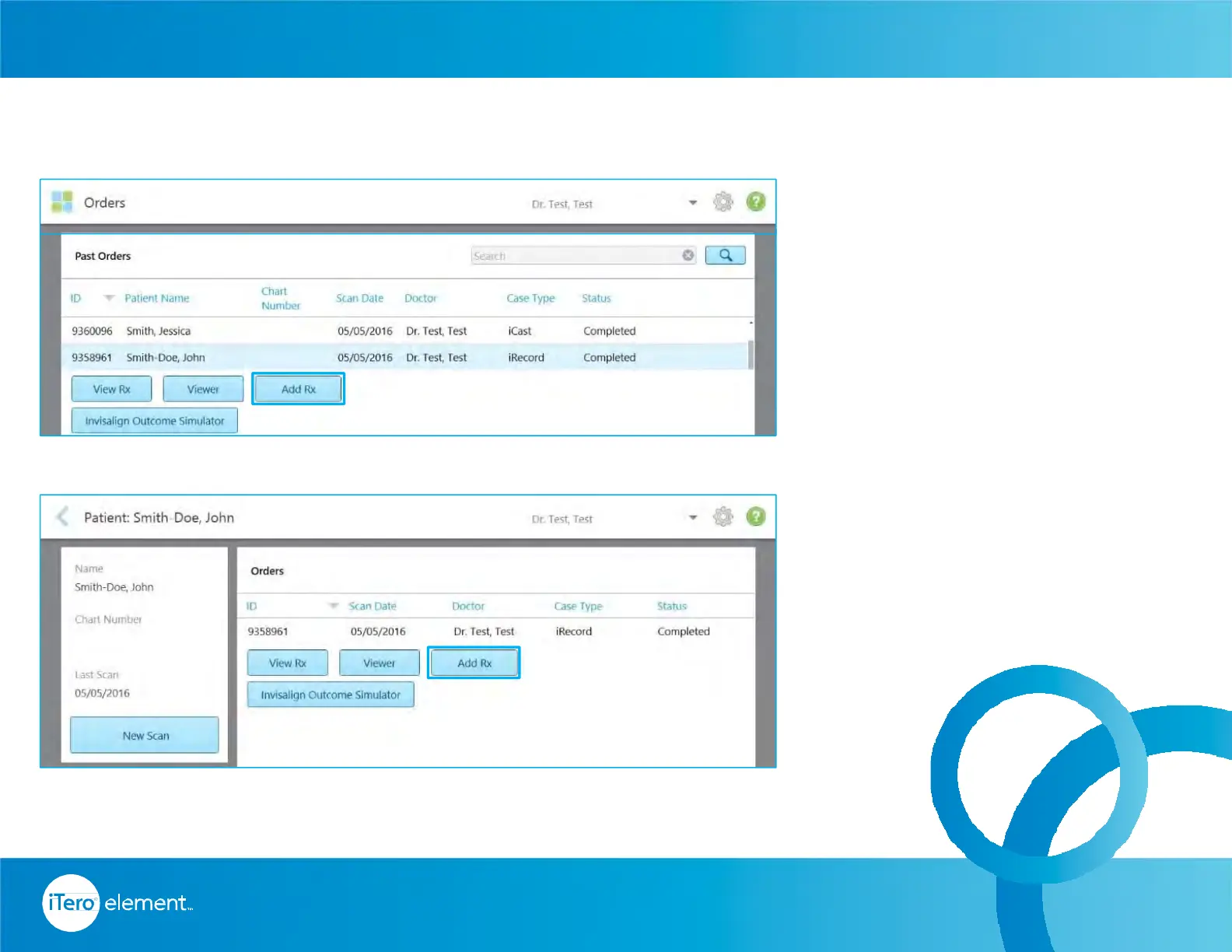
Conditions for the Add Rx to be
enabled:
• Accessible from Orders and
Patient’s icons
• For cases except restorative
and chair side milling
• Enabled up to 21 days from
the case’s scanning date
• The model has to be located
on the scanner’s base unit
Add Rx To An Existing Sent Scan – Allow Additional Workflows
41
© 2016 Align Technology, Inc. All Rights Reserved.
Invisalign
®
Scanning Basics



 To Next Page