50
© 2016 Align Technology, Inc. All Rights Reserved.
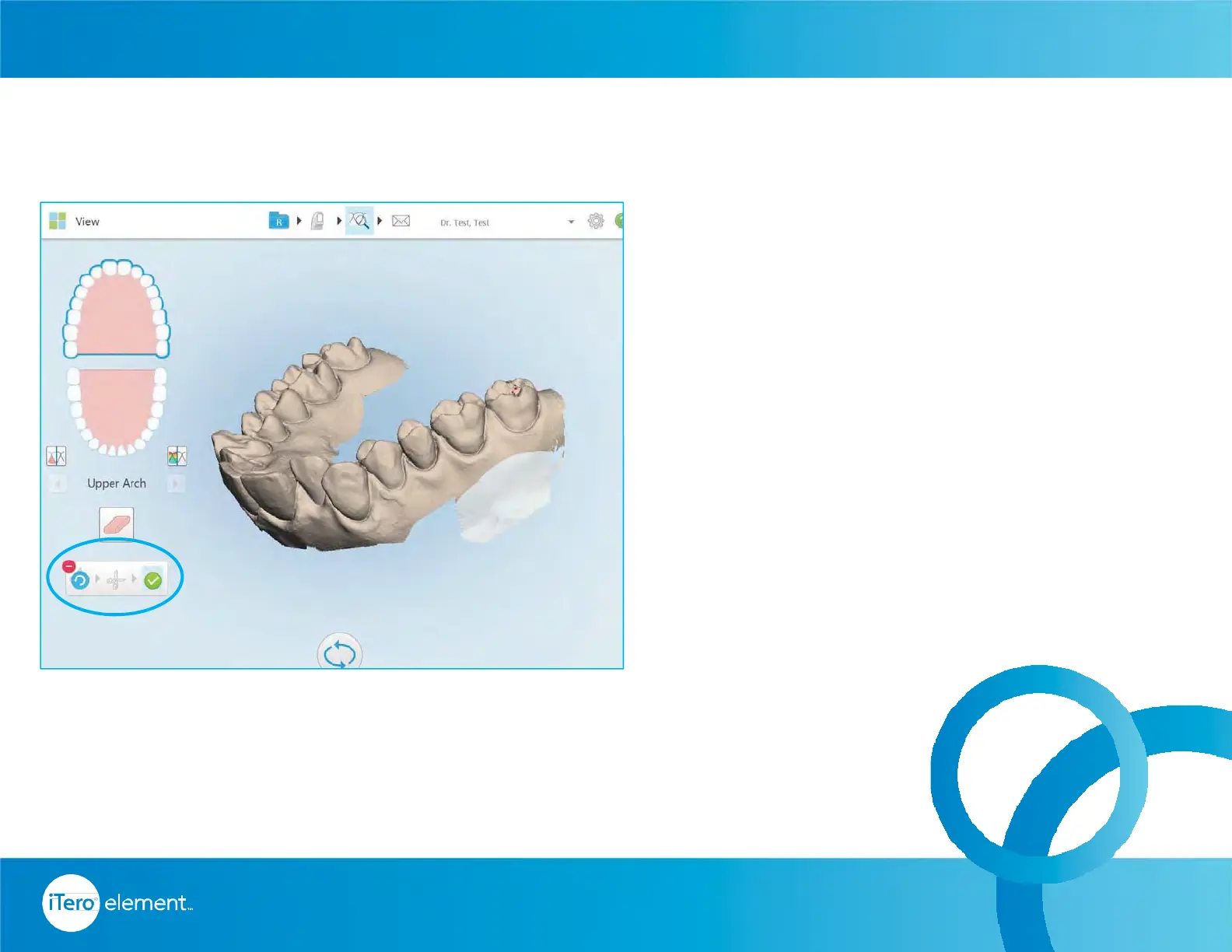
Use the Edge Trim tool if there is excessive
cheek or lip artifacts that should be removed
from the scan
• Tap on the scissors icon
• Circle the area to remove
• Verify the selected area
• Tap on the green check mark
• Tap on the view button to confirm area
has been trimmed as chosen
Using Trim Tool
Resources



 To Next Page