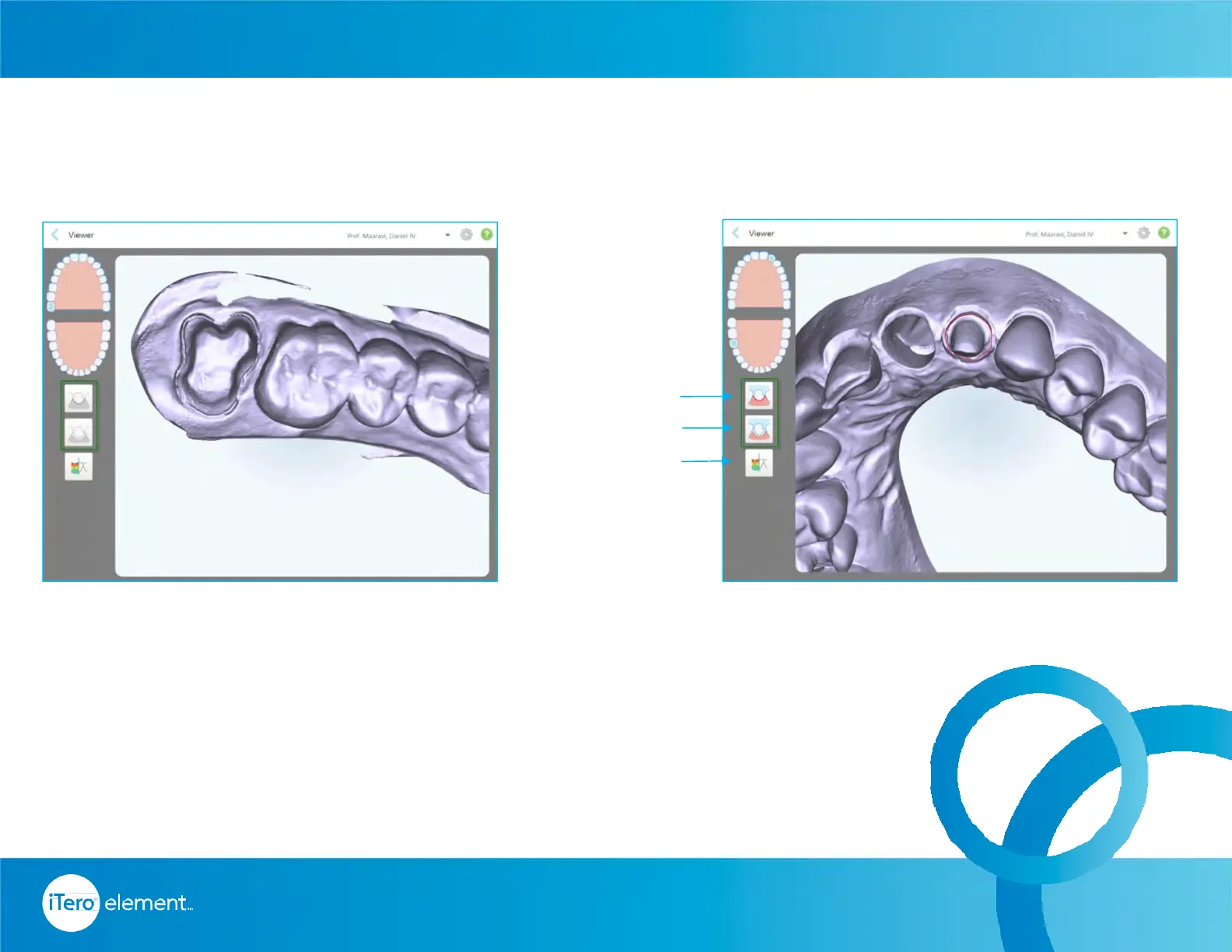
When the case is in “iTero modeling” on the Orders tab, it’s in the early stages of
modeling and there are no edits and the margin and die tools are gray (inactive).
When the modeling process is completed, the die and margin line has been edited
and the changes will appear in color on the model and the icons are in color
indicating that they are active.
The occlusal clearance is also visible on viewer for reference.
© 2016 Align Technology, Inc. All Rights Reserved.
Viewer
Resources
Margin Line
Ditch Cut-Out
Clearance
Unchanged Margin Line and Ditch Changes on Margin Line and Ditch
59



 To Next Page