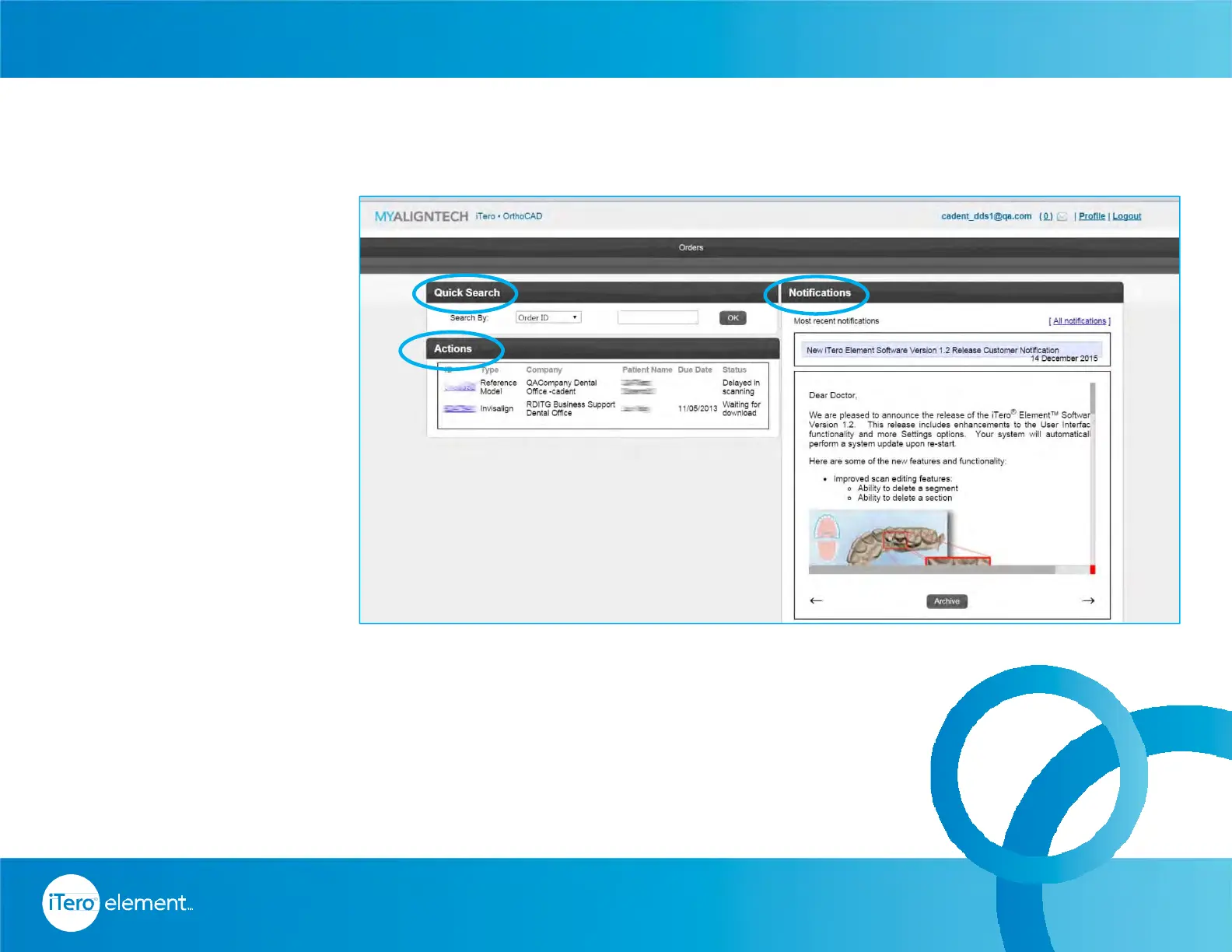
MyAligntech landing page
will provide many options.
Click on the Orders link at
the top of the page to view
all orders.
Orders that require further
action are listed in the
Actions box.
On the right side, the
Notification section shows
alerts to communications
from Align Technology.
The Quick Search enables
the search for orders using
various parameters.
66
© 2016 Align Technology, Inc. All Rights Reserved.
MYALIGNTECH Account Administrator
Resources



 To Next Page