8
© 2016 Align Technology, Inc. All Rights Reserved.
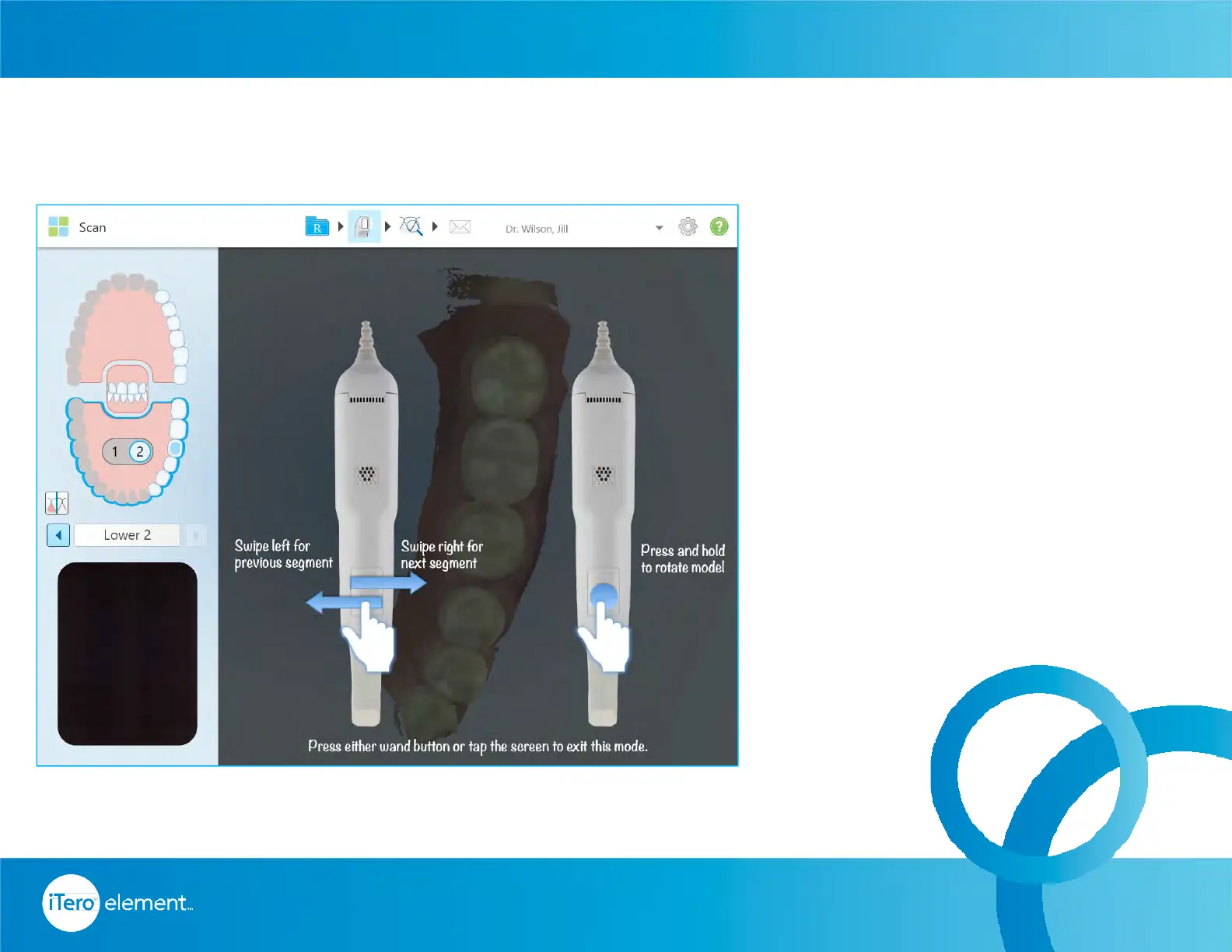
Pressing and releasing both the
buttons simultaneously will activate
the touchpad. Once activated
swiping the touchpad on the wand
will allow movements between
scan segments.
The current scanning segment is
displayed in the indicator box
between the arrows.
To rotate the model on the screen
press and hold the wand touchpad.
Wand Controls
Hardware



 To Next Page