
 Need help?
Do you have a question about the iTON X9 and is the answer not in the manual?
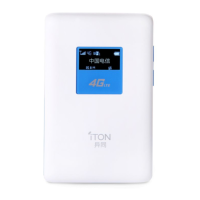
Details the physical components and ports of the MiFi device.
Explains the meaning of icons and indicators shown on the MiFi device's screen.
Provides step-by-step instructions for installing the SIM card and battery.
Guides users on connecting wirelessly via WiFi, including finding the SSID and entering the Pin code.
Explains how to establish a connection using the WPS (Wi-Fi Protected Setup) feature.
Details the methods for charging the MiFi device using a power adapter or USB.
Details configuring network settings like APN through the web interface by adding profile information.
 General
| Brand | iTON |
|---|---|
| Model | X9 |
| Category | Wireless Access Point |
| Language | English |

 To Next Page